Christmas Newsletters: Ideas for Your Family's Year in Review
Christmas newsletters work best when the format does half the work: a one-page photo collage, a month-by-month timeline, a family "front page," a by-the-numbers sheet or a year-in-review video. Pick one layout, fill it with the year's milestones and small moments, and choose printed for the grandparents and digital for everyone else. Below are eight newsletter ideas with the time each takes, plus design tips and examples.
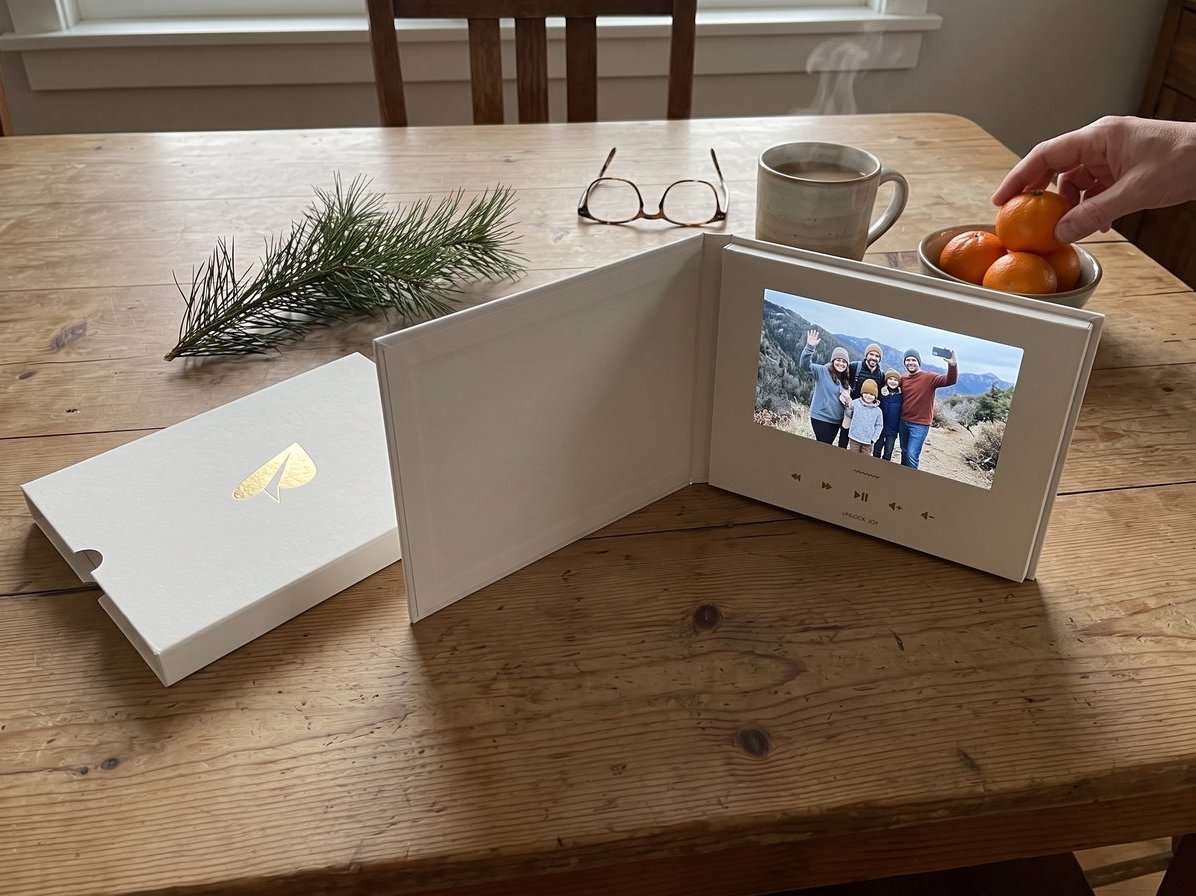
A note before the list: we make Tribute, the group video maker, and it's one of the eight ideas.
| Newsletter idea | Best for | Time needed | Format |
|---|---|---|---|
| Photo collage page | Families with great photos | 1 evening | Printed or PDF |
| Year-in-review video | Families spread out | 2 to 3 weeks to collect | Video link |
| Month-by-month timeline | Busy years | 1 to 2 evenings | Printed |
| Family front page | Families who like a joke | 2 evenings | Printed |
| By the numbers | Data lovers and big families | 1 evening | Printed or email |
| Email newsletter | Long lists, tight budgets | 1 evening | |
| New year newsletter | People who missed December | 1 evening | Email or card |
| Everyone gets a column | Families with kids who write | 1 week to collect | Printed |
What are the best ideas for Christmas newsletters?
Your holiday newsletter is the family year in review for people who don't follow you online. It's the letter's bigger, more visual cousin, built around photos, headlines and layout. The tradition has thinned but not vanished: in a 2013 Pew Research Center survey, 65% of U.S. adults planned to send Christmas or holiday cards, fewer than said their families did when they were kids. A newsletter that looks different from the stack gets read.
1. The one-page photo collage
Choose 8 to 12 photos, one per big moment, and arrange them in a grid with a one-line caption under each. Put a short greeting at the top and everyone's signature at the bottom. This photo collage approach works when your phone already holds the story.
- Time needed: One evening
- Cost: Printing, or nothing as a PDF
Best for: Families with a camera roll full of good shots.
Why it works: Photos carry the news, so the captions can be jokes.
2. The family year-in-review video (a Tribute group video)
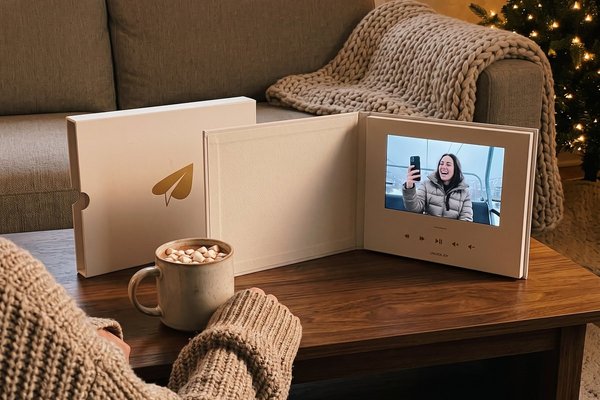
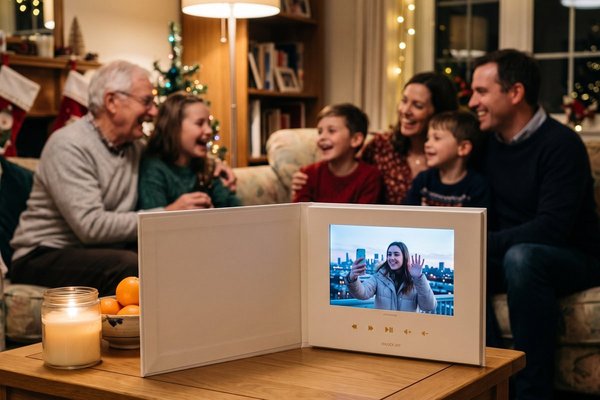
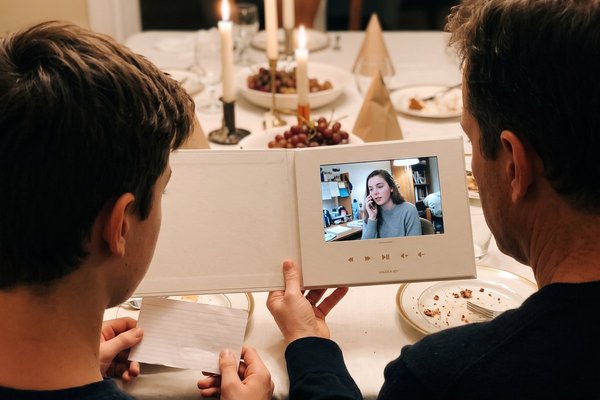
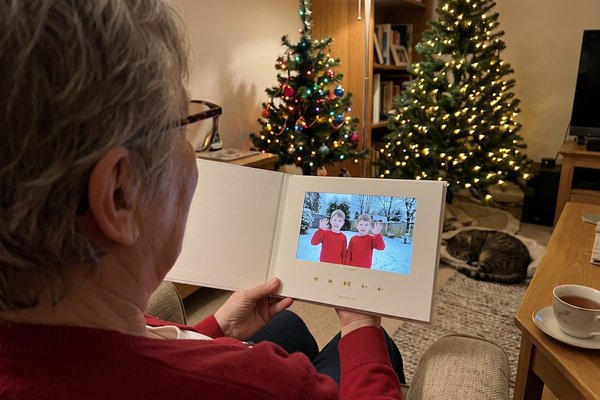
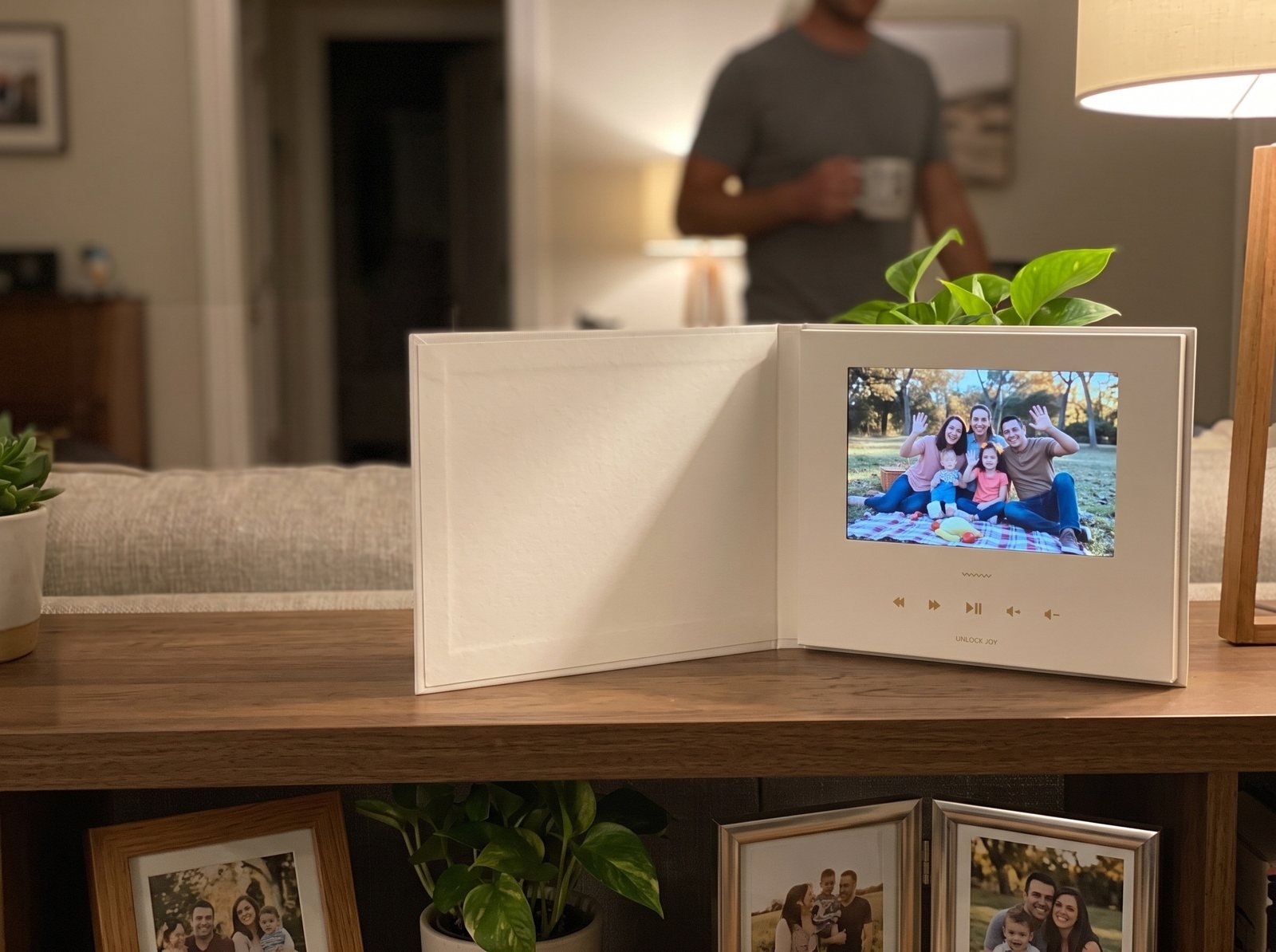
Instead of writing everyone's update, let each person say it on camera. Start a Tribute, send the link to the whole family, and ask each person to record 30 seconds about their year: one high, one low, one hope. Tribute is a group video maker that turns messages from friends and family into one surprise video. It works by inviting everyone to record a short clip from their phone; Tribute compiles the clips, music and photos into a finished video you share or play together.
Add the year's photos between clips, then put the link or a QR code in your printed card. Picture Grandpa reading the card, scanning the code and hearing his grandson describe his first job in his own words. Over 8 million videos have been sent on Tribute, and it holds 4.9 stars from 7,000+ reviews.
- Time needed: 10 minutes to set up; open it 2 to 3 weeks before you send cards
- Cost: Free to start a draft; you pay from $35 when you publish and start collecting videos
Best for: Families spread across cities, and relatives who'd rather watch than read.
Why it works: Unlike a newsletter one parent writes, every person tells their own year.
3. The month-by-month timeline
Run a line down the page with twelve stops, January to December. Give each month one milestone and one photo: "April: Zoe's first recital. May: the basement flooded. June: we bought a pump." The highs and lows sit side by side, which keeps it honest.
- Time needed: One to two evenings
- Cost: Printing
Best for: Years with a lot going on.
Why it works: Readers can skim, and the format forces you to keep each update short.
4. The family front page
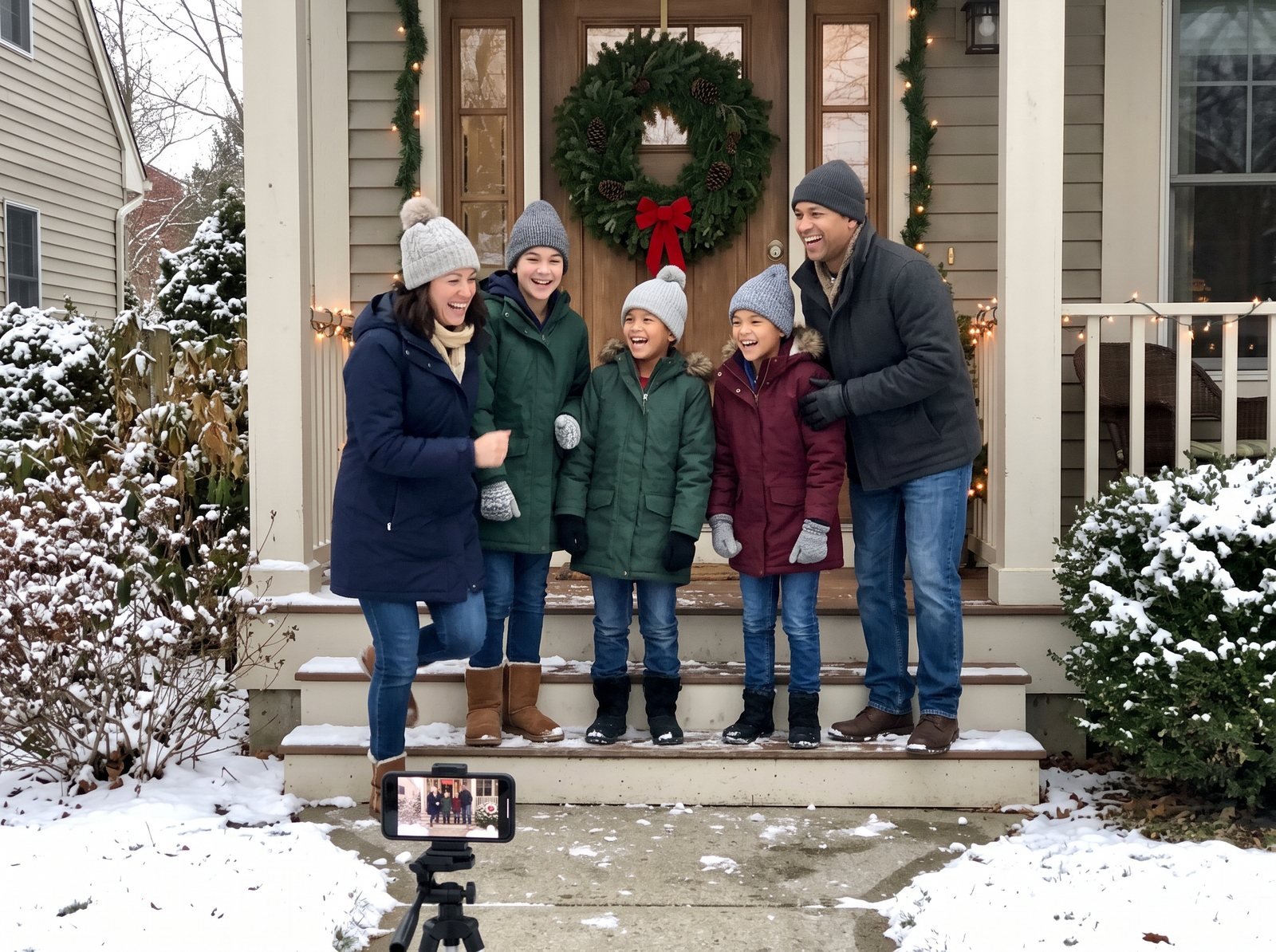
Design it like a newspaper: a masthead ("The Nguyen Gazette, Winter Edition"), a lead story, sports (the soccer season), weather (the August heat wave) and classifieds ("Wanted: one teenager who loads the dishwasher"). It's one of the most fun holiday newsletter examples to read aloud.
- Time needed: Two evenings
- Cost: Printing
Best for: Families who like a running joke.
Why it works: Every section has a built-in shape, so you never stare at a blank page.
5. Our year by the numbers
Turn the annual highlights into stats, with big numbers in bold and small captions underneath. Add one sincere number at the end, like "Countless reasons to be grateful for you."
- 4 states visited, 3 of them by accident
- 212 school lunches packed, 40 traded away
- 1 new tooth, 2 new drivers in the house
- 0 houseplants survived
- Time needed: One evening
- Cost: Printing, or nothing by email
Best for: Big families and anyone who loves a chart.
Why it works: Numbers are fast to read and funny out of context.
Should your holiday newsletter be printed or digital?
Do both. Print a short run for older relatives and anyone who keeps cards on the fridge, and email the rest. Phones are close to universal, but not quite: the Pew Research Center reports that 91% of U.S. adults own a smartphone, compared to 78% of adults 65 and older.
6. The email newsletter
Build it in your email tool with a header photo, three short sections and a gallery link. Keep the subject line warm and specific, like "The Parkers' year, in 3 minutes," so it doesn't look like a store promotion.
- Time needed: One evening
- Cost: Nothing
Best for: Long lists and families who want to skip postage.
Why it works: Readers can reply, and you'll hear from people you haven't talked to in years.
7. The new year newsletter
Missed December? Send a new year newsletter in the first week of January instead. Frame it forward: three things from last year, three hopes for this one. It arrives when mailboxes are empty again.
- Time needed: One evening
- Cost: Printing or nothing
Best for: Busy Decembers and families who celebrate later.
Why it works: It stands out from the holiday pile and gives you the whole year to report.
8. Everyone gets a column
Hand each family member a box on the page and a deadline. The 6-year-old draws, the teenager writes a review of the year, Grandma adds a recipe. You only design the frame.
- Time needed: A week to collect, an evening to lay out
- Cost: Printing
Best for: Families with kids old enough to hold a pen.
Why it works: Every voice is real, and nobody has to write about anyone else.
How do you design a Christmas newsletter?
- One page, two fonts: a fun one for headlines, a plain one for text.
- Photos first: pick them before you write, then write captions to fit.
- White space: leave margins so it doesn't look like a tax form.
- A quote at the top: borrow one from our Christmas quotes about family.
- Names and ages: distant readers need them.
- A QR code: link the printed page to a photo album or a family video.
- A test print: photos print darker than they look on screen, so brighten them first.
The newsletter is the design; the words still matter. For help with the writing itself, see our guide to the Christmas letter. If you're sending in January, our New Year's Eve activities can give you a closing story, and our holiday season guide covers the rest of the season.
Frequently Asked Questions
What is the difference between a Christmas letter and a Christmas newsletter?
A letter is writing first, addressed to the reader like a note. A newsletter is designed, with photos, headlines and sections, and reads more like a family magazine.
What should a holiday newsletter include?
The year's milestones, one short update per person, a few photos with captions and a warm closing line. Add names and ages for readers who don't see you often.
How long should Christmas newsletters be?
One page, front and back at most. If it needs a second sheet, cut the text and keep the photos.
Is it okay to email a Christmas newsletter?
Yes, for most of your list. Print a few copies for older relatives and anyone who keeps cards, and email the rest with a personal subject line.
When should you send a new year newsletter?
In the first week or two of January. It arrives after the holiday rush, so it gets more attention.
How do you make a family year in review video?
Invite each family member to record a short clip about their year, add photos between the clips and set it to music. A group video maker collects the clips for you, and you can share the link in your newsletter.
👉 Start a Tribute and turn this year's newsletter into a video the whole family is in.