Christmas Slideshow Ideas: Turn the Year's Photos and Clips Into a Family Movie
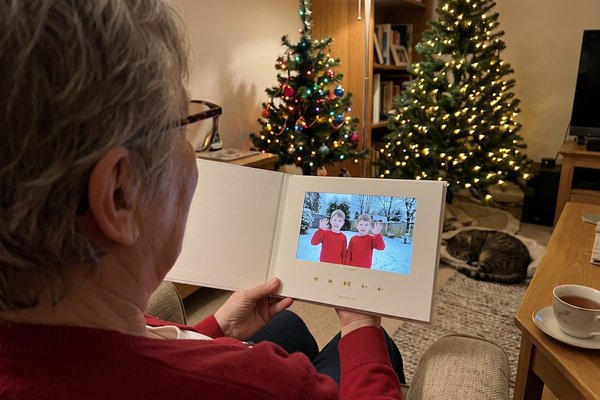
The best Christmas slideshow is a short family movie: 60 to 100 photos and a few video clips from the year, in a clear order (month by month, Christmases past or "the kids grow up"), set to two or three songs and played on the TV after dinner. Ask relatives to send their own photos and short video messages, and the slideshow tells the year from everyone's camera roll, not just yours.
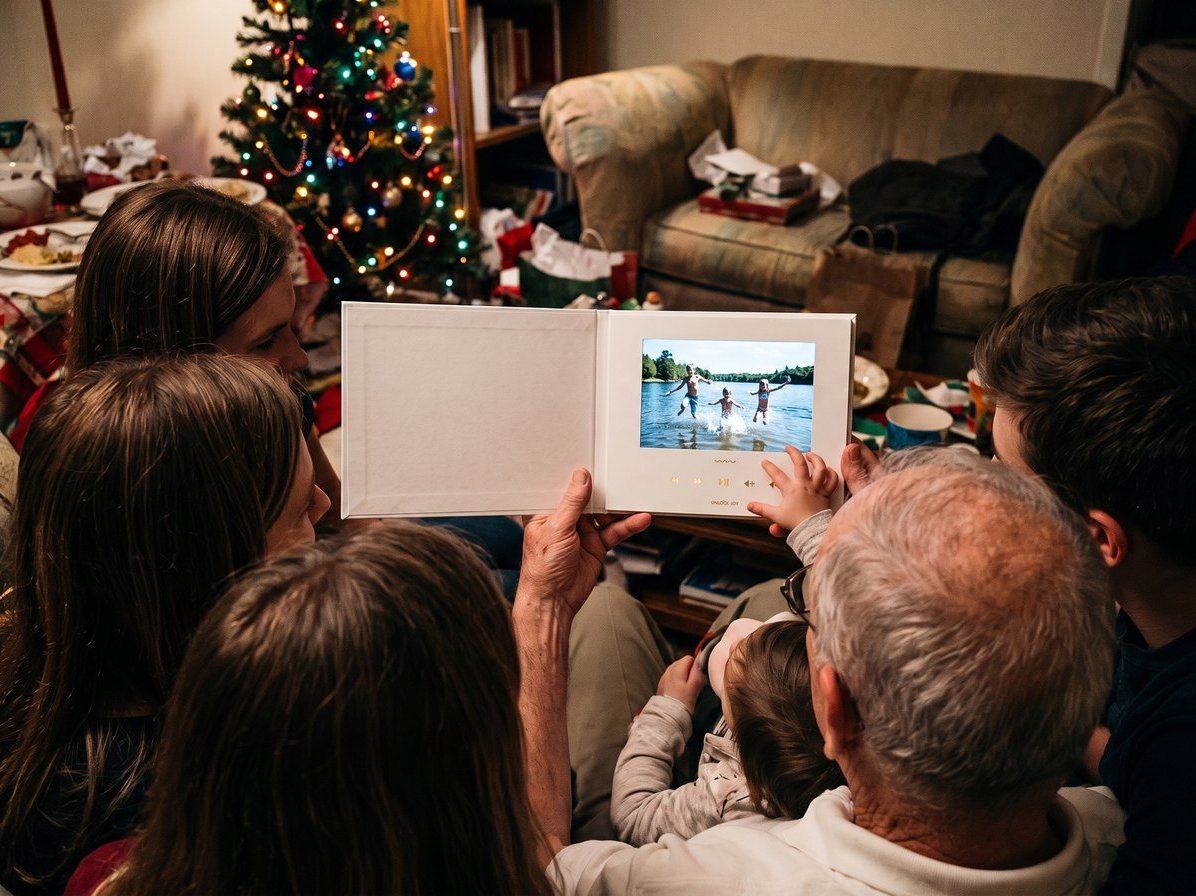
A note before we start: we make Tribute, the group video maker, and it's one way to build the slideshow with the whole family.

| Slideshow idea | Best for | Photos needed |
|---|---|---|
| The year, month by month | Christmas Eve or New Year's | 5 to 8 per month |
| Christmases past | Grandparents and big reunions | One or two per decade |
| The kids grow up | Families with growing kids | One per kid per year |
| The family group slideshow | Families spread across cities | A few from each household |
| The recipe reel | Food-loving families | One per dish |
| Then and now | Siblings and cousins | Pairs of old and new |
What is a good Christmas slideshow idea?
Good Christmas slideshows have a story, not just a pile of pictures. Pick one theme, one order and one mood. Most families already have the material: Pew Research Center's mobile fact sheet reports that 91% of U.S. adults own a smartphone, so a year of birthdays, beach days and burnt cookies is sitting in a dozen camera rolls. Here are six Christmas themed slideshow ideas that give those photos a shape.
1. The year, month by month
January's snow day to December's tree farm. Pick five to eight photos for each month and add a title card with the month's name. Close with a family photo taken this week.
- Time needed: 2 to 3 hours to pick photos
- Length: 4 to 6 minutes
Best for: Christmas Eve, or a New Year's Eve party at home.
Why it works: The order is obvious, so you spend your time choosing, not arranging.
2. Christmases past
Ask the grandparents and aunts for scans of old Christmas photos: the 1970s wallpaper, the 1990s bowl cuts, Grandpa as a skinny kid in front of a silver tree. Run them from oldest to newest and finish with this year's Christmas morning.
- Time needed: A weekend to collect and scan
- Length: 2 to 5 minutes
Best for: Big reunions where three or four generations are in the room.
Why it works: Every generation sees itself on screen, and the kids learn what their parents looked like at their age.
3. The family group slideshow (a Tribute group video)
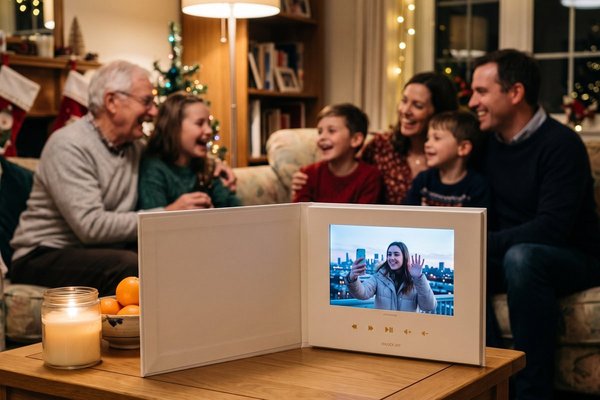
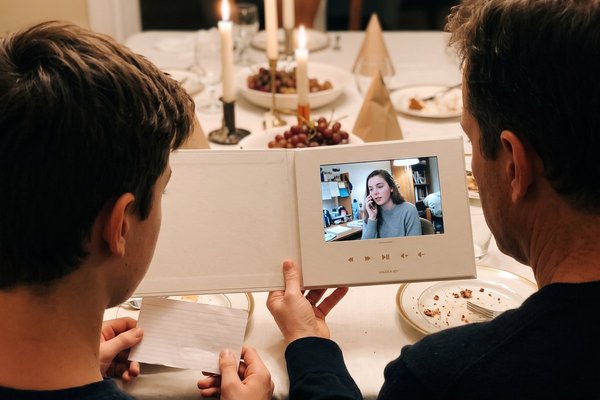
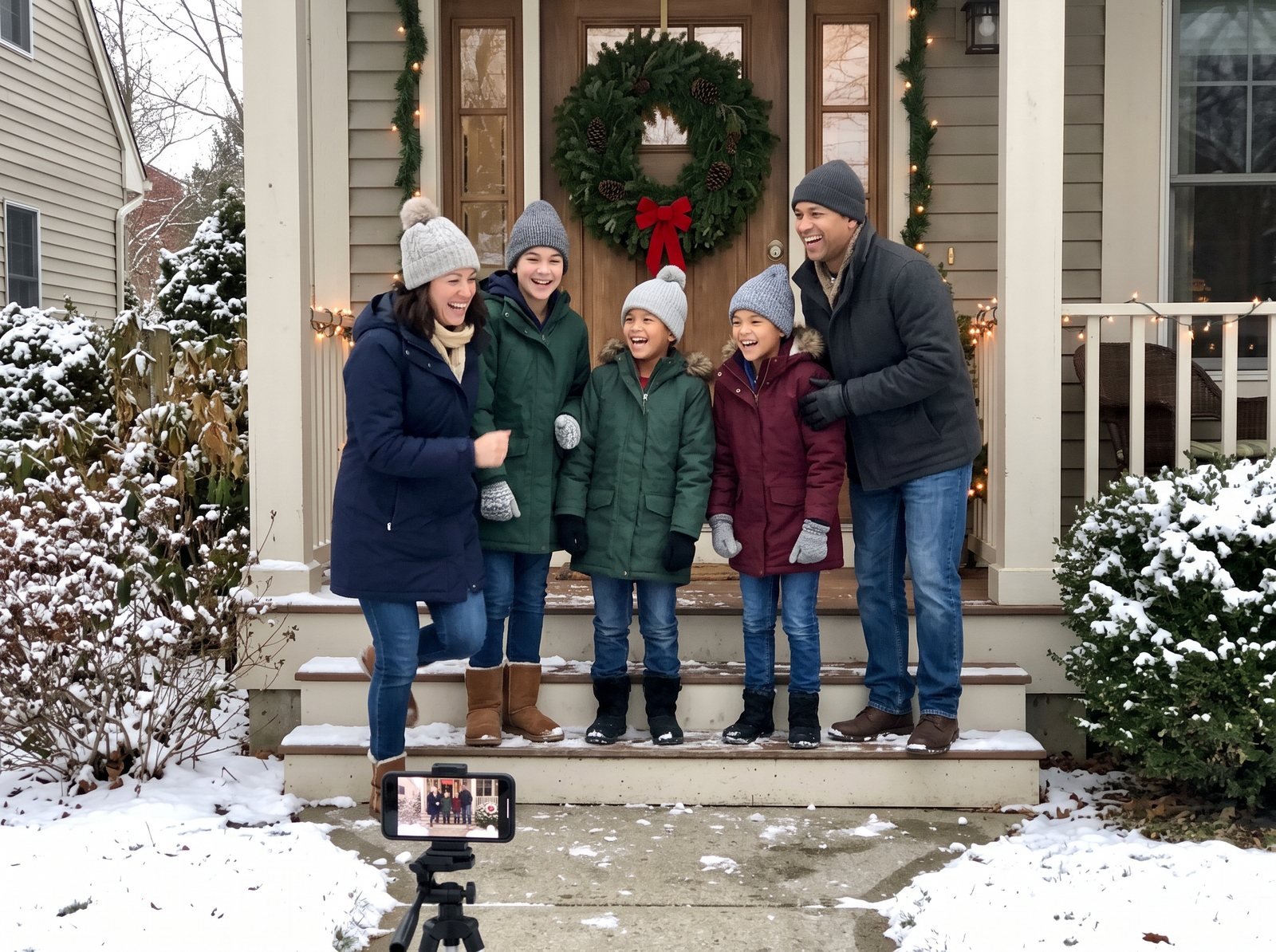
Instead of building it alone, invite the whole family to add to it. Start a Tribute, share one link, and ask each household to record a short video message and text you a few favorite photos from the year. Tribute is a group video maker that turns messages from friends and family into one surprise video. It works by inviting everyone to record a short clip from their phone; Tribute compiles the clips, music and photos into a finished video you share or play together.
In the editor, you arrange the clips, add photos between them, and add text, captions and music, including your own soundtrack. Or hand it to a Concierge editor who trims silences, balances volume and builds the order for you. Unlike a photo-only slideshow, everyone's voice is in it: picture your sister in Phoenix holding up the photo of the camping trip and telling the story herself. Over 8 million videos have been sent on Tribute, and it holds 4.9 stars from 7,000+ reviews.
- Time needed: 2 to 3 weeks to collect; an hour or two to arrange
- Cost: Free to start a draft; you pay from $35 when you publish, or $99 for Concierge editing
Best for: Families spread across cities who all have photos of the same year.
Why it works: The slideshow fills itself with the moments you weren't there to photograph.
4. The kids grow up
One photo of each kid per year, from birth to now, each one on screen for two seconds. Kids pretend to hate it. Grandparents ask for a copy.
- Time needed: An hour
- Length: 2 to 3 minutes per kid
Best for: Families with teenagers or a kid leaving for college.
Why it works: It's short, and the change from year to year does the storytelling.
5. The recipe reel
Photograph each dish on the holiday table, plus the person who made it, and add the name of the recipe on screen: "Aunt Linda's sweet potato casserole, since 1994." End with the empty plates.
- Time needed: 30 minutes during the meal
- Length: 3 minutes
Best for: Families whose holiday is built around the food.
Why it works: It credits the cooks and saves the family recipes on screen.
6. Then and now
Recreate an old family photo with the same people in the same poses, years later. Show the original, then the remake. Repeat for every sibling pair or cousin group willing to play along.
- Time needed: An afternoon of posing
- Length: 2 to 4 minutes
Best for: Siblings and cousins with a sense of humor.
Why it works: The laugh comes with every pair, and nobody has to give a speech.
How do you make a Christmas slideshow step by step?
- Pick the theme and order. Choose one of the ideas above. The order decides what you collect.
- Collect from everyone. Send one request to the family with a deadline two weeks before Christmas. Ask for photos and, if you're making a group video, a short clip from each person.
- Cut to the best. Aim for 60 to 100 photos for a five-minute show. Three seconds per photo feels right; five feels slow.
- Add music and text. Two or three songs, one per section. Use title cards for months, decades or names.
- Test it on the TV. Play it once on the screen you'll use, with the sound up, before guests arrive.
- Share it. Play it at the gathering, then send the link or download it for the family.
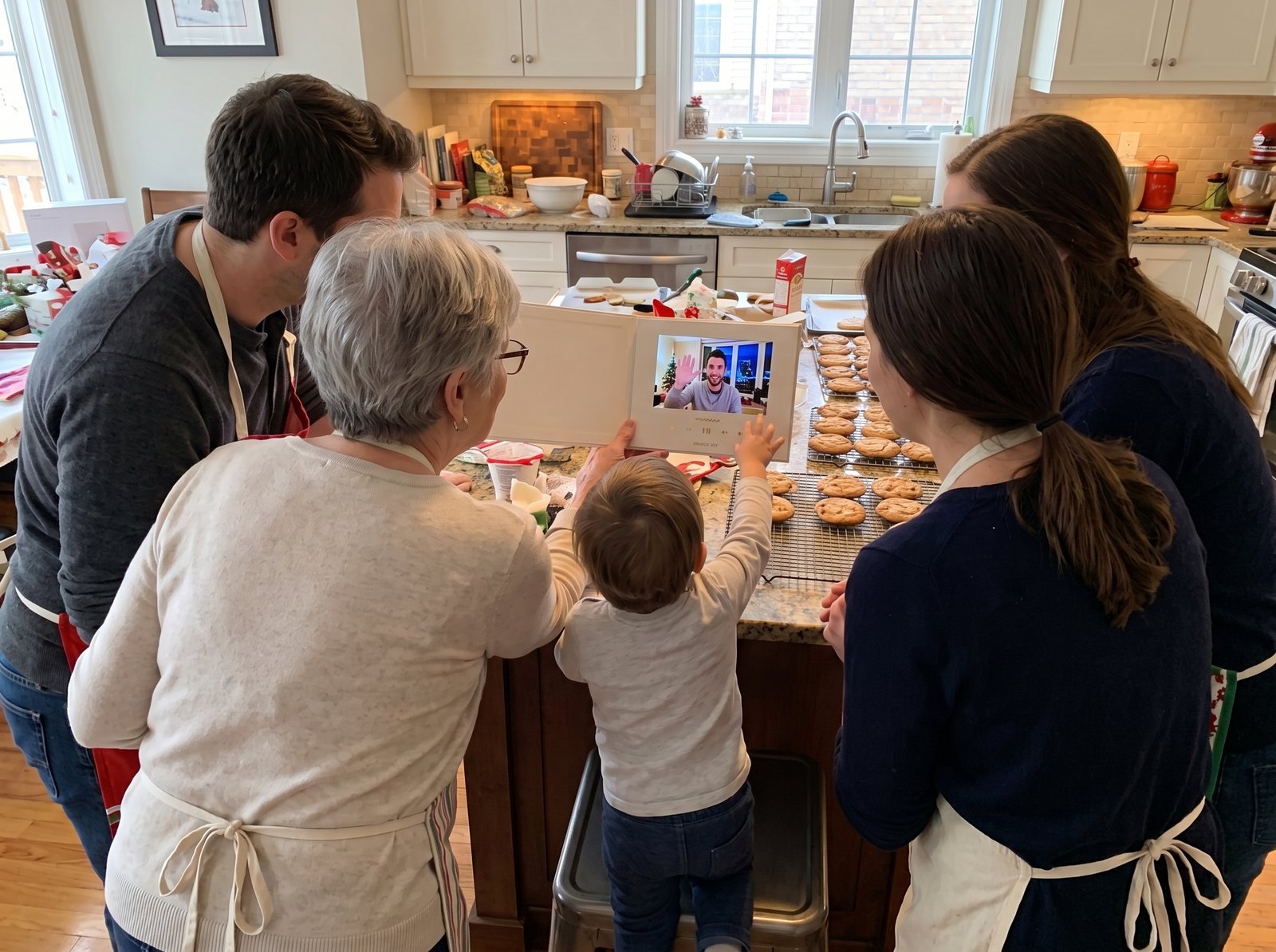
Distance is often why a slideshow matters. AARP's 2018 grandparents study found that over half of grandparents have at least one grandchild who lives more than 200 miles away, so the slideshow may be how Grandma sees the year she missed.
What should a Christmas slideshow template include?
You don't need a design file to start. A simple Christmas slideshow template is a running order you fill in:
- Opening title: "The [Family Name] Year" or "Christmas [Year]," over a family photo.
- Section cards: One per month, decade or person, with two to eight photos each.
- Video moments: A short clip every few minutes (a message from a relative, a birthday candle, a first step) to break up the stills.
- Music: A slow song to open, an upbeat song for the middle, a warm song to close.
- Closing: A family photo from this Christmas and a line of text, such as "Here's to next year."
Compared to a template with fixed slots, this running order bends to the photos you have. If you're mixing in messages from relatives, put each person's clip next to the photos they sent.
Can you make a free Christmas slideshow?
Yes. Many phones and computers come with photo apps that make a basic slideshow at no cost, which is fine for a solo project. If you want the whole family to add photos and video messages through one link, you can start a Tribute draft for free and pay from $35 when you publish and start collecting.
For more ways to look back on the year, see our guide to a family year in review. Making a greeting instead? Our merry Christmas video ideas help, and our list of New Year's Eve activities has a spot for the premiere. For the rest of the season, see our holiday season guide.

Frequently Asked Questions
How many photos do you need for a Christmas slideshow?
About 20 photos per minute at three seconds each. For a five-minute show, plan on 60 to 100 photos, then add a few short video clips.
What music works for a Christmas slideshow?
Pick two or three songs that match your sections: something calm to open, something upbeat for the middle and something warm to close. In Tribute you can upload your own music for the soundtrack.
How long should a Christmas slideshow be?
Five to twelve minutes holds a room. Longer than that, split it into two parts or play it in the background during the party.
How do you get family to send photos for the slideshow?
Send one request with a theme, a deadline two weeks before Christmas and a single place to send them. A reminder a week out helps, and a group video link lets people add a message at the same time.
Can you add videos to a Christmas slideshow?
Yes, and you should. Short clips of voices and laughter between photos keep the slideshow from feeling like a screensaver.
Where should you play a Christmas slideshow?
On the biggest screen in the house, after dinner, with the lights low. Send the link afterward so relatives who couldn't make it can watch at home.
👉 Start your holiday Tribute and build this year's slideshow with the whole family.