Christmas Video Ideas: A Family Video Message for Every Holiday
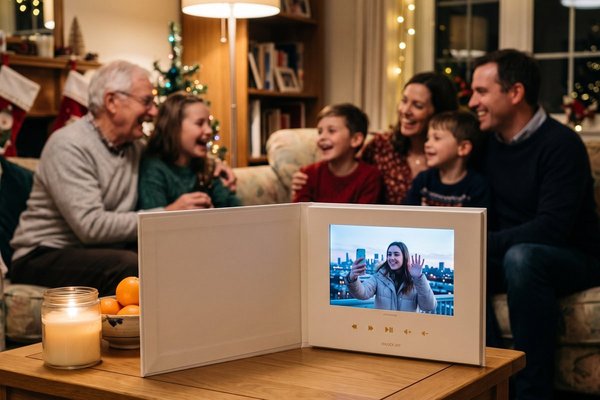
The best Christmas video ideas put many faces on one screen: a group greeting where every relative records a short merry Christmas, a carol sung one line per person, a kids' wish-list interview, or a year-in-review montage for the family. Each one can be recorded on phones in a minute and works for Thanksgiving, Hanukkah and New Year's too.
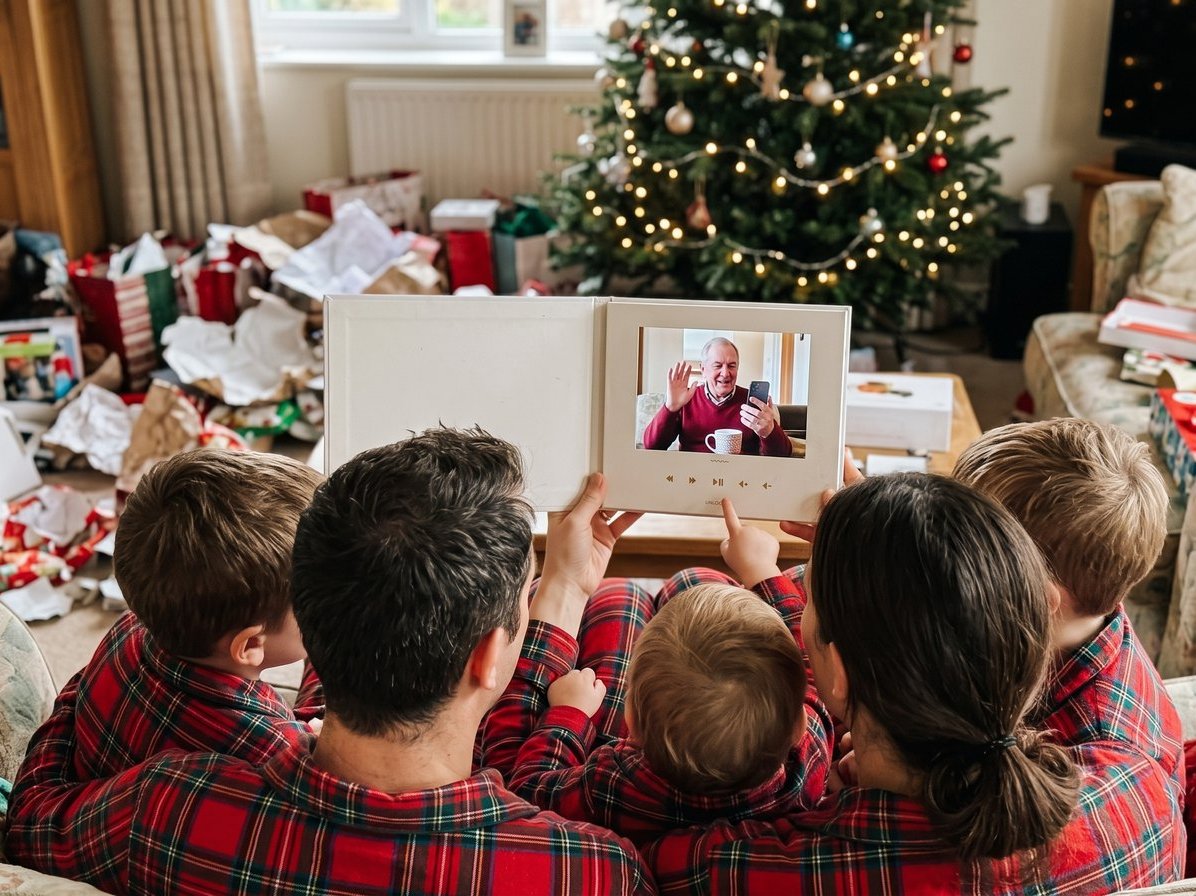
A note before the list: we make Tribute, the group video maker, and the group greeting below is the format we build.
| Video idea | Best for | Length |
|---|---|---|
| The family greeting round | Grandparents and far-away relatives | 5 to 15 minutes |
| Merry Christmas from where we are | Families spread across cities | 3 to 5 minutes |
| The video Christmas card | Friends you send cards to | 1 to 2 minutes |
| The kids' wish-list interview | Families with young kids | 3 minutes |
| One carol, many voices | Musical (or brave) families | 3 minutes |
| What Grandma taught me | Honoring a grandparent | 5 to 10 minutes |
| The blooper reel | Families who love a laugh | 2 minutes |
| The gratitude round for Thanksgiving | The Thanksgiving table | 5 to 10 minutes |
| The New Year's look back | A New Year's Eve party | 5 to 10 minutes |
What are the best Christmas video ideas for families?
Good family Christmas videos are short per person and long on people. Phones make it easy: Pew Research Center's mobile fact sheet reports that 91% of U.S. adults own a smartphone, so almost everyone on your list already carries a camera. The trick is giving each person a clear prompt and a deadline.
1. The family greeting round (a Tribute group video)
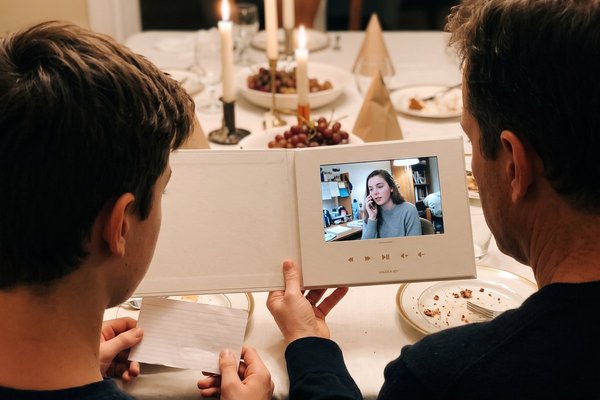
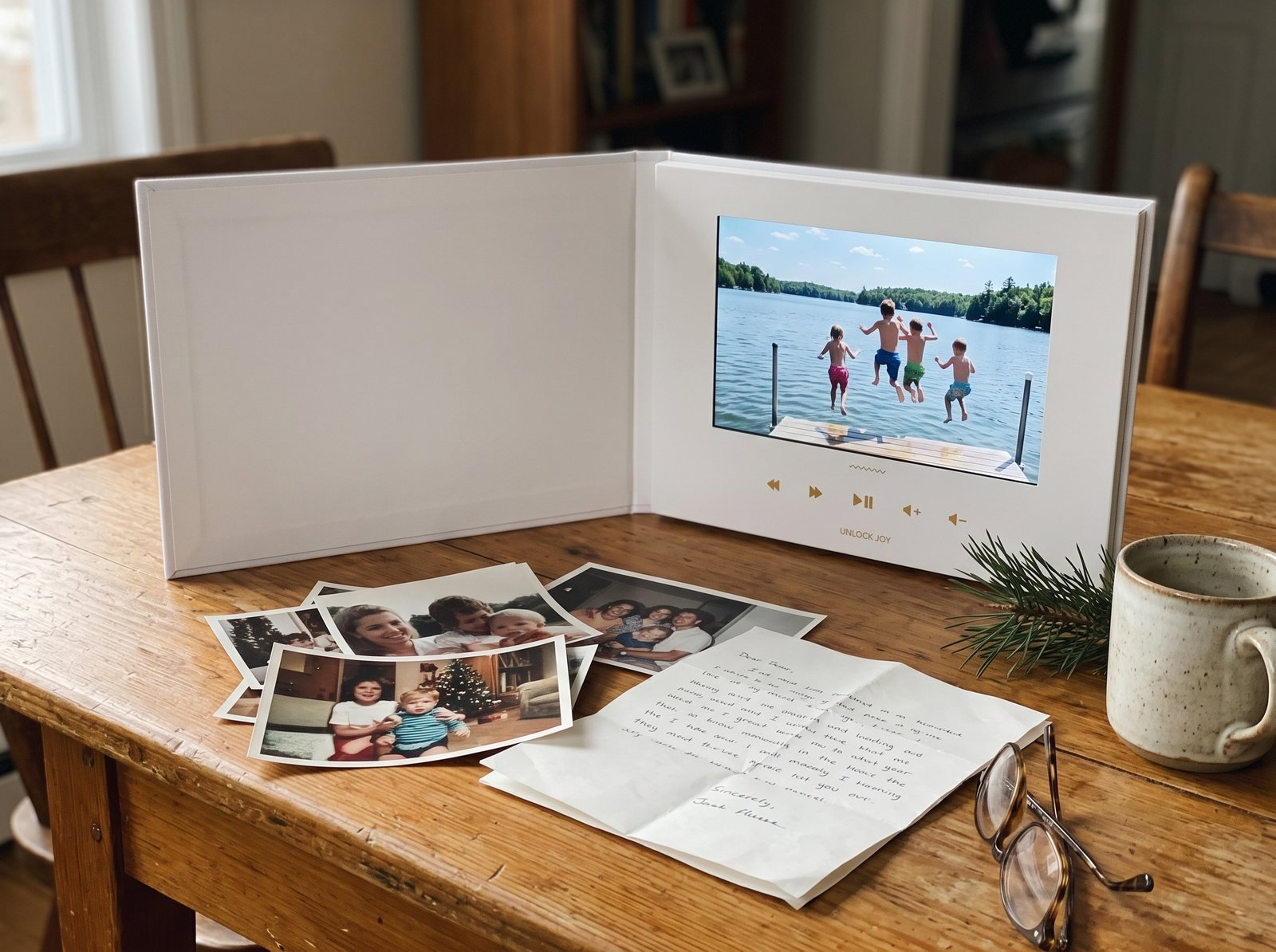
Everyone records a short Christmas video message for one person or the whole family, and the clips play back one after another. Start a Tribute, add a photo, write the invitation and share the link by text, email or WhatsApp. Tribute is a group video maker that turns messages from friends and family into one surprise video. It works by inviting everyone to record a short clip from their phone; Tribute compiles the clips, music and photos into a finished video you share or play together.
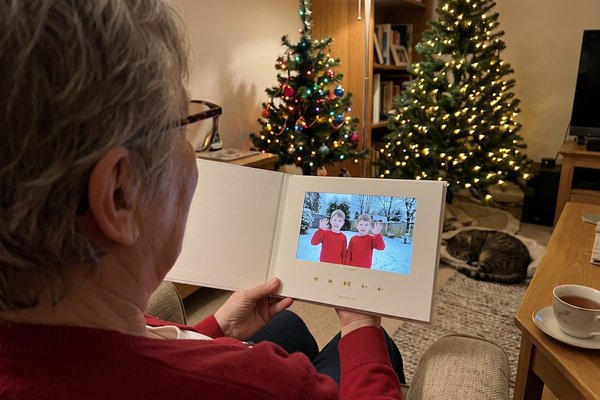
Picture Grandpa on Christmas morning watching 30 faces he loves wish him a merry Christmas: the cousin who films from the car, the toddler who steals the phone mid-sentence, the aunt who rehearsed. People record from any phone or computer with no app and no account, and you arrange the clips, add music and text, or hand it to our Concierge editors. Over 8 million videos have been sent on Tribute, and it holds 4.9 stars from 7,000+ reviews.
- Time needed: A minute per person; open it 2 to 3 weeks before Christmas and set the deadline a few days ahead
- Cost: Free to start a draft; you pay from $35 when you publish, or $99 for Concierge editing
Best for: Grandparents, a parent spending the holiday alone, or a family that can't all be in one place.
Why it works: Unlike a video call, nobody has to be online at the same time, and the finished video is there to watch again.
2. Merry Christmas from where we are
Ask each household to film a five-second greeting in front of something that says where they are: the snow in Minnesota, the beach in Sydney, the tiny tree in a studio apartment. Stitch them together and the family map fills itself in. It works best as part of a group video where each clip starts with a name and a city.
- Time needed: 5 seconds to record, per household
- Cost: Nothing beyond the video tool you use
Best for: Families spread across states and countries.
Why it works: It turns distance into the theme instead of the problem.
3. The video Christmas card
Swap the paper card for a one-minute video: the family on the porch, a wave, a line about the year and a merry Christmas. Send the link to the same list you'd mail cards to. Compared to a printed card, a video greeting lets people hear the kids' voices and see the dog in the reindeer antlers.
- Time needed: 30 minutes to film and trim
- Cost: Nothing to film; no stamps
Best for: Friends, coworkers and old neighbors on your card list.
Why it works: Christmas video greetings feel personal without a single envelope to address.
4. The kids' wish-list interview
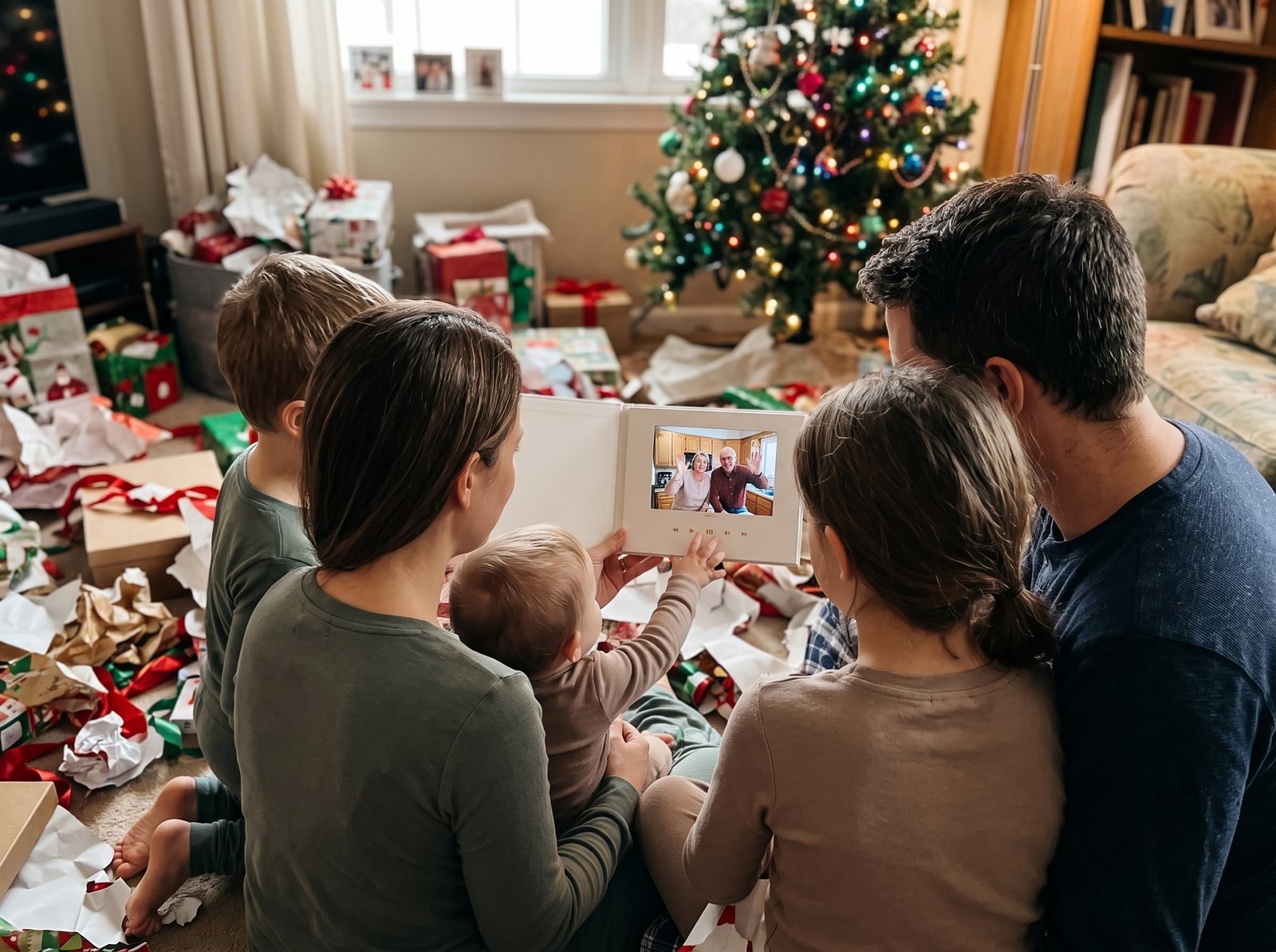
Sit each kid in front of the tree and ask the same three questions: What do you want for Christmas? What's your favorite thing about this year? What should Grandma know about you right now? Keep the answers short and the camera steady.
- Time needed: 10 minutes per kid
- Cost: Nothing
Best for: Families with kids ages 3 to 10.
Why it works: Play it again in ten years and the answers are the best part of Christmas.
5. One carol, many voices
Pick a public-domain carol such as "Deck the Halls" or "Jingle Bells" and assign each relative one line. Everyone records their line, in tune or not, and the edit puts them in order. The result is chaotic, and that's the appeal.
- Time needed: 1 minute per person
- Cost: Nothing
Best for: Families who sing at every gathering, and families who never do.
Why it works: Everyone has a small part, so nobody has to perform alone.
6. What Grandma taught me
Ask grandchildren, children and friends to finish one sentence on camera: "The thing Grandma taught me that I still use is…" Answers range from pie crust to poker. Play it on Christmas Eve after dinner.
- Time needed: 1 minute per person
- Cost: Nothing, or a group video from $35
Best for: Honoring a grandparent who has everything they need.
Why it works: It gives back stories she gave away over the years.
7. The blooper reel
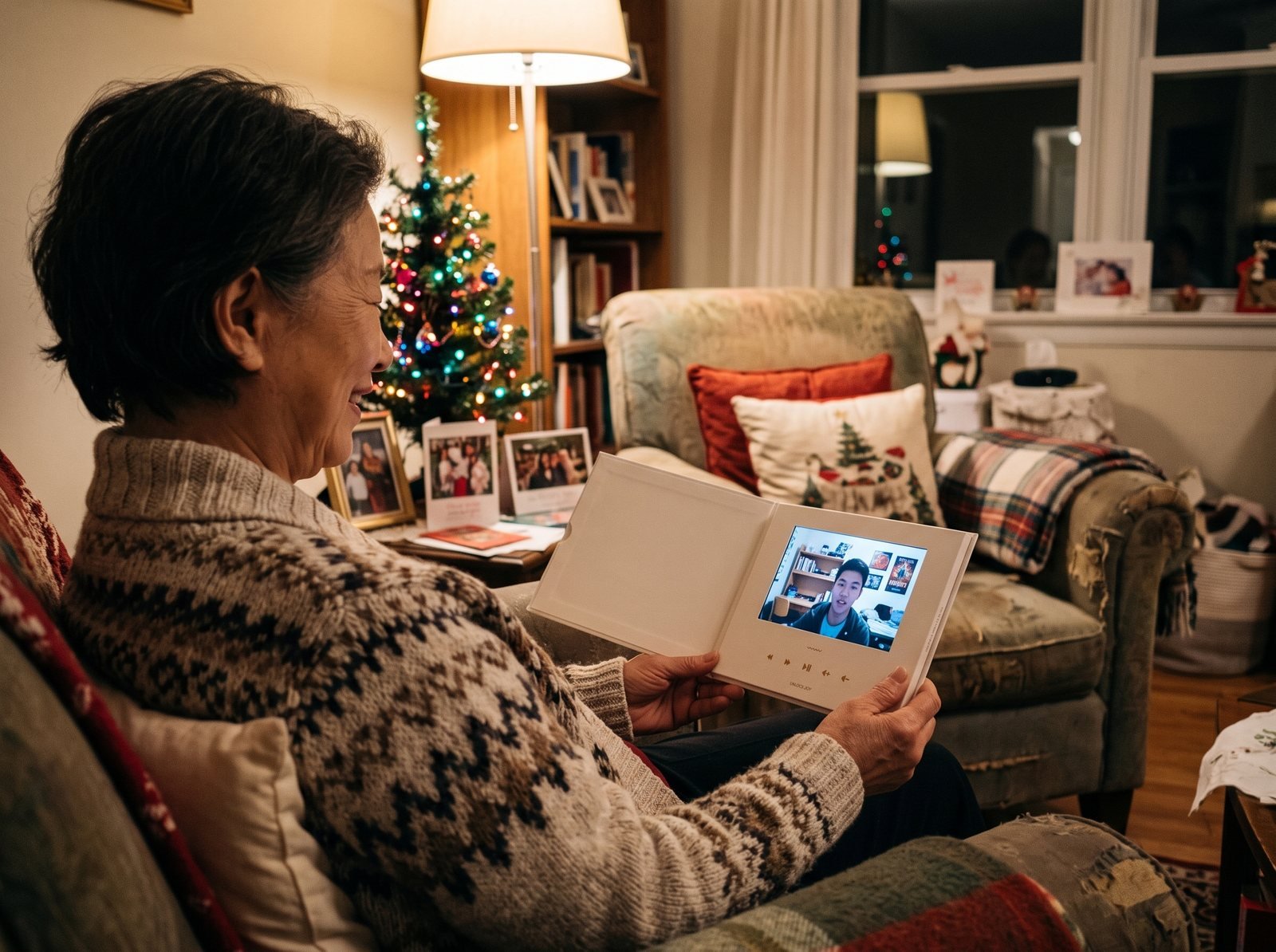
Collect the outtakes: the dropped ornament, the cat in the tree, the toast that went long. A two-minute funny Christmas video is the one teenagers will share. Add a "merry Christmas" title card at the end so it still counts as a greeting.
- Time needed: 30 minutes to collect clips from the family
- Cost: Nothing
Best for: Families with a long memory for embarrassing moments.
Why it works: Laughter is the fastest way to pull a big family into one room.
Which holiday video ideas work beyond Christmas?
The same formats carry the whole season. A short Thanksgiving video with everyone saying what they're thankful for, a Hanukkah greeting from each household, a New Year's Eve look back: each one uses the same link and the same minute per person.
8. The gratitude round for Thanksgiving
A week before Thanksgiving, ask everyone, above all the people not coming, to record what they're thankful for this year. Play it between dinner and pie. Funny Thanksgiving videos happen on their own when Uncle Ray films from the deer stand.
Best for: The Thanksgiving table, with seats for the people who couldn't come.
Why it works: Gratitude is the point of the day, and a video gives everyone a turn to say it.
9. The New Year's look back
Gather a clip from each person about their best moment of the year and play it before midnight. Our guide to a family year in review has month-by-month prompts.
Best for: New Year's Eve parties and family dinners on December 31.
Why it works: It ends the year on the best parts, told by the people who lived them.
How do you make a family Christmas video?
Four steps, and most of the work is in step two:
- Set it up. Pick the occasion, add a photo and write a short invitation with one clear prompt, such as "Share a favorite Christmas memory with Mom."
- Invite everyone. Share the link by text, email, WhatsApp or social. Send one reminder a week before the deadline.
- Put it together. Arrange the clips, add music, captions and photos, or let a Concierge editor do it.
- Share it. Play it on the TV at the gathering, send the link, or download it.
Give your family three tips: hold the phone sideways, keep it to about a minute, and film somewhere bright and quiet. Distance is the main reason this matters: AARP's 2018 grandparents study found that over half of grandparents have at least one grandchild who lives more than 200 miles away.

What should you say in a Christmas video message?
Keep Christmas video wishes simple: a greeting, one memory or thank-you, and a wish for the year ahead. A few to borrow:
- "Merry Christmas, Grandma! Your cinnamon rolls are still the best part of Christmas morning."
- "Hi from Denver! We miss you, and we're saving you a seat for next year."
- "Thank you for every Christmas Eve at your house. Merry Christmas to the best host we know."
- "Merry Christmas, everyone. Here's to a new year with more time together."
For more ideas, see our merry Christmas video guide, our list of holiday card messages for family and friends, and our wider holiday season guide.
Frequently Asked Questions
How long should a Christmas video message be?
About a minute per person is the sweet spot. A group video with 15 people runs around 15 minutes, which is right for after dinner or Christmas morning.
Can you make Christmas video cards for free?
You can film a video card on your phone for free and send it as a link. With Tribute, you can start a draft for free and pay from $35 when you publish and start collecting videos from others.
How do you get the whole family to record a video?
Send one link with a clear question and a deadline a few days before Christmas. People record from any phone or computer, no app or account needed, and a reminder a week out brings in the stragglers.
What is a good Christmas video idea for grandparents?
A group greeting where every child and grandchild records a short message works best. Play it on Christmas morning or send the link if they're far away.
When should you start a family Christmas video?
Open it two to three weeks before Christmas and set the deadline a few days before the day. Collecting videos takes time, and a buffer leaves room to edit.
Can you add music and photos to a Christmas video?
Yes. In Tribute's editor you can add music (including your own), text, captions and photos between clips. A Concierge editor can also build the final video for you.
👉 Start your holiday Tribute and get the whole family on one screen this Christmas.