Virtual Christmas Cards That Feel Personal
Virtual Christmas cards feel personal when they carry something a paper card can't: your voice, your face, a clip of the kids or messages from the whole family at once. The best options are a photo e-card with a real handwritten-style note, a short personal video, a voice note, a scanned drawing from the kids and a group video card everyone records for. Below is how to make each one, what to write and how to send it.
A note before the list: we make Tribute, the group video maker, and it's one of the six ideas.
| Card type | Best for | Time needed |
|---|---|---|
| Photo e-card | Your whole list | 30 minutes |
| Group video card | One person or family far away | 2 to 3 weeks to collect |
| Personal video card | Close friends and family | 15 minutes |
| Kids' drawing card | Grandparents | One afternoon |
| Voice note card | People who prefer to listen | 5 minutes |
| Digital letter card | Friends who want the full update | One evening |
When do virtual Christmas cards beat paper?
When your list is spread out, your budget is tight or the news can't wait for the mail. Paper still has a place, but the Christmas card tradition is thinner than it was: in a 2013 Pew Research Center survey, 65% of U.S. adults planned to send cards, fewer than said their families did when they were growing up. Meanwhile 98% of U.S. adults own a cellphone, according to Pew, so a virtual card reaches almost everyone where they already are.
Unlike classic Christmas cards, a virtual holiday card can move, talk and arrive on Christmas morning from the other side of the world. The trick is making it feel made for one person.
Which virtual Christmas cards feel the most personal?
1. The photo e-card with a real message
Pick one photo from this year, not the posed one: the dog in the tree skirt, the kids asleep in the car. Add two or three sentences written for that reader, then send each one on its own instead of to a group.
- Time needed: 30 minutes for a design, 1 minute per personal note
- Cost: Nothing to a few dollars, depending on the design tool
Best for: Your whole list, from coworkers to cousins.
Why it works: The photo is shared, but the message is theirs alone.
2. The group video card (a Tribute group video)
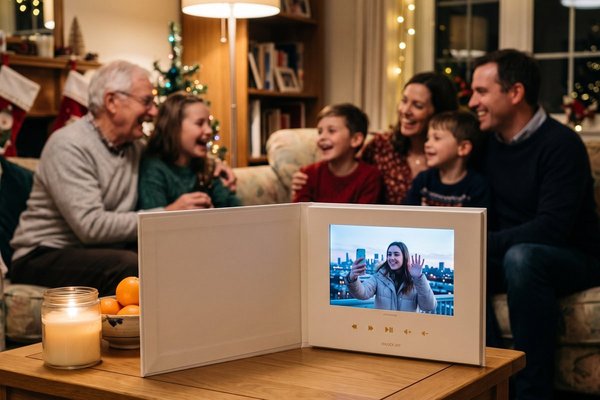
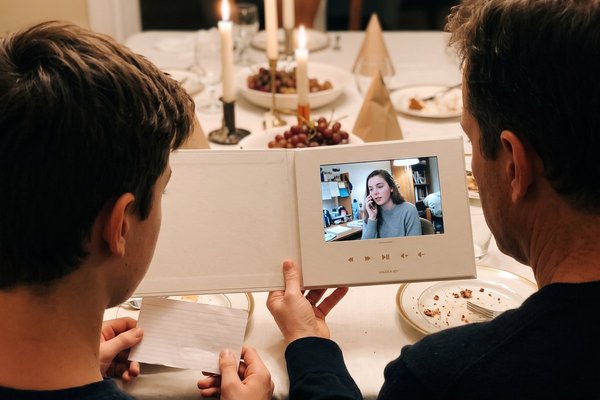
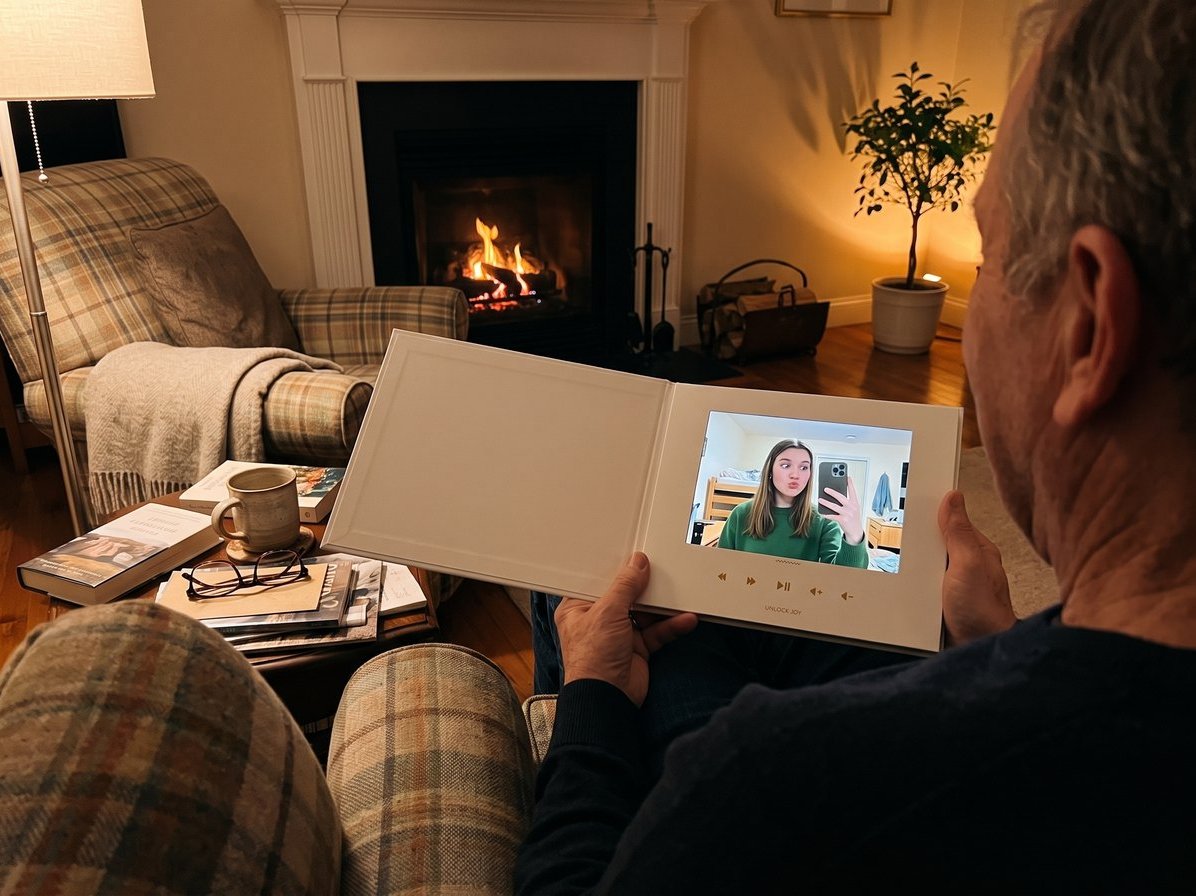
The most personal virtual card is one with 20 faces in it. Start a Tribute, share the link with everyone who loves the person you're sending it to, and ask each to record a short Christmas wish. Tribute is a group video maker that turns messages from friends and family into one surprise video. It works by inviting everyone to record a short clip from their phone; Tribute compiles the clips, music and photos into a finished video you share or play together.
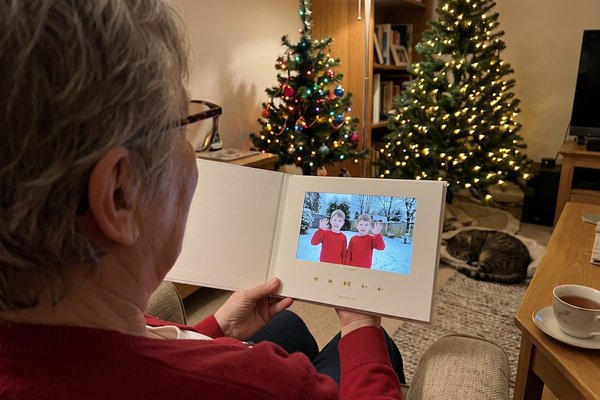
Picture your grandmother opening a link on Christmas morning and seeing every grandchild, two great-grandkids and her sister in Manila wave hello, one after another. Compared to a store-bought e-card, it can't be made by anyone but the people who love her. Over 8 million videos have been sent on Tribute, and it holds 4.9 stars from 7,000+ reviews.
- Time needed: 10 minutes to set up; open it 2 to 3 weeks before Christmas so everyone has time to record
- Cost: Free to start a draft; you pay from $35 when you publish and start collecting videos
Best for: A grandparent, a friend overseas or a family that can't be together this year.
Why it works: Nobody has to be online at the same time, and the whole group arrives in one link.
3. The personal video Xmas card
Prop your phone on the mantel and record 30 seconds: say their name, one thing you remember from this year and a wish for next year. Turn the phone sideways, and record near a window for the best light.
- Time needed: 15 minutes, including two retakes
- Cost: Nothing
Best for: Close friends and family you'd call if time zones allowed.
Why it works: Hearing their name in your voice is the part a paper card can't do.
4. The kids' drawing card
Have the kids draw a Christmas scene, snap a photo in good light and use it as the front of the card. Add a line in their own words: "I drew you a reindeer. It has six legs because it is fast."
- Time needed: One afternoon
- Cost: Crayons
Best for: Grandparents, aunts and godparents.
Why it works: A six-legged reindeer is more personal than any template.
5. The voice note card
Send a photo, then a 60-second voice note: the story behind it, a memory with them, a merry Christmas. It works on any messaging app and feels like a call without the scheduling.
- Time needed: 5 minutes
- Cost: Nothing
Best for: Friends who'd rather listen than read.
Why it works: Tone of voice carries warmth that text flattens.
6. The digital letter card
Write a one-page family update, save it as a PDF with photos and attach it to a short email. Our guide to the Christmas letter walks through the writing.
- Time needed: One evening
- Cost: Nothing
Best for: Friends who want the full year, not a one-liner.
Why it works: It has the depth of a paper letter and arrives in seconds.
How do you make a virtual Christmas card?
To make a virtual Christmas card in under an hour:
- Choose the format: photo, video, voice or group video.
- Pick one image or clip from this year, not a stock photo.
- Write two or three sentences for each reader, or one shared line plus a personal P.S.
- Test it on your own phone to check sound, size and spelling.
- Send it one person at a time, so it doesn't land as a mass message.
Looking for Christmas virtual cards free of cost? Most design apps let you create a virtual Christmas card for free with a basic template, and a video or voice note costs nothing but a few minutes. Paid options add custom designs, music or group recording.
How do you send a virtual Christmas card?
Send virtual Christmas card links the way each person reads: email for older relatives, text or WhatsApp for friends, a private message for anyone who'd rather not see it on a public feed. Send on Christmas Eve or Christmas morning so it feels like an arrival, not an errand. For a group video, share the link with the recipient, or play it on the TV while they're in the room.
What should you write in a virtual Christmas card?
The same rules as paper: name the person, mention one real thing, wish them well. Here are ideas for Christmas card writing you can paste in:
- Merry Christmas from all five of us and the dog who ate the ornament.
- We can't be at your table this year, so here are our faces instead.
- Press play: the kids have a song for you, and it's half giggles.
- Wishing you a Christmas as warm as your kitchen in December.
- Miles away, one click close. Merry Christmas.
Every Christmas card message from family should sound like your family. For more Christmas card sayings to family, see our Christmas wishes for family, and for gratitude lines that carry into December, our phrases about Thanksgiving. The rest of the season lives in our holiday season guide.

Frequently Asked Questions
Are virtual Christmas cards rude?
No. Most people are happy to get any card, and a virtual one with a personal note beats a paper card with only a signature. Send paper to the few relatives who keep cards on the mantel.
How do I make a virtual Christmas card personal?
Use a photo or clip from this year, address the person by name and add one specific memory. Send it to them alone instead of to a group.
Can I make a video Christmas card with the whole family?
Yes. A group video lets each family member record a short message from their own phone, and the clips are put together into one card. Open it 2 to 3 weeks before Christmas so everyone has time.
What is the difference between an e-card and a video card?
An e-card is a designed image or animation with your message typed in. A video card shows real faces and voices, either yours alone or a group's, so it takes a little longer to make and feels closer to a visit.
When should I send a virtual holiday card?
Christmas Eve or Christmas morning feels most like a delivery. For New Year's cards, send on December 31 or January 1.
Can I send a virtual Christmas card to someone without a smartphone?
Yes, by email to a computer or tablet. For someone with no device, play the video for them on a visit or ask a family member to show it on their TV.
👉 Start a Tribute and send a Christmas card with everyone's face in it.