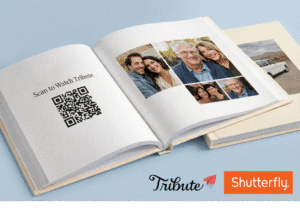
Want to make your Boombox even more surprising and interactive? While Boombox captures photos and personal messages in a gorgeous keepsake box, you can add a Tribute video link with a QR code so your recipient hears those voices and sees those smiles too. This guide shows you how to bring video memories into your Boombox gift in a way that feels seamless and magical.
What You’ll Need
- A Tribute account (to create your video collection)
- A Boombox Gifts project (photos & messages collected)
- A Canva account (free version works great)
- A smartphone with a QR scanner (most camera apps do this automatically)
Step 1: Create Your Tribute Video
First up — make your Tribute where friends and family share their video messages.
- Go to Tribute.co and sign in or create an account.
- Click Start a Tribute and follow the simple steps.
- When it’s ready, click Publish & Pay and choose the option that fits you:
- DIY Tribute — you make and edit the video yourself
- Concierge Tribute — our team helps collect & edit
- Deluxe Tribute — full concierge plus video playbook keepsake
- Customize your Tribute with prompts and a warm welcome message, then invite loved ones by email.
Pro tip: Start your Tribute video project at least 2–3 weeks before your planned gifting date so everyone has time to contribute.
Step 2: Copy Your Tribute Link
Once your Tribute is live:
- Open your Tribute project in your Tribute dashboard.
- Click Copy near the Tribute’s public link — this is what you’ll turn into a QR code.
Step 3: Generate a QR Code in Canva
Now let’s make a scannable code for your video link.
- Open Canva and click Create a design.
- Pick a size that will print nicely on a card or label (e.g., 5″ × 5″).
- In Elements, search for QR code and add it to your canvas.
- Paste your Tribute link into the URL field to generate the code.
Start from a blank canvas or use one of Canva’s QR code templates — your choice!
Step 4: Make It Look Great
Design your QR so it matches your Boombox vibe:
- Add a sweet title like “Scan for video messages”
- Use borders or colors that match your Boombox theme
- Keep the actual code area high contrast so it scans easily
Design tip: QR codes scan best when the code itself is dark on a light background.
Step 5: Download Your QR Code
Once your design is ready:
- Click Share → Download in Canva.
- Choose PNG (crisp and print-friendly).
Save the file to your computer.
Step 6: Add the QR Code to Your Boombox
Now let’s integrate the QR code into your keepsake box.
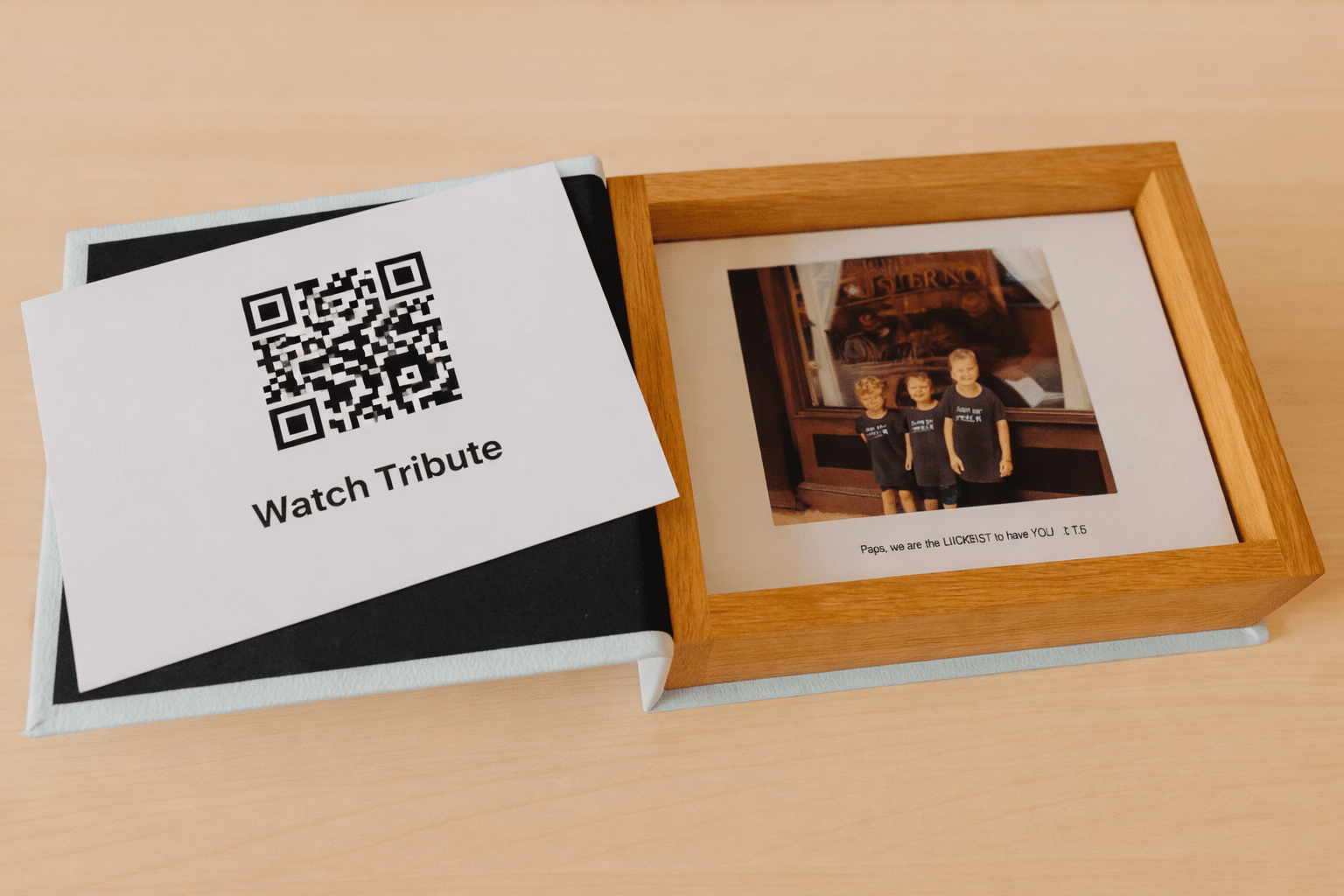
- Print the QR code image on a card or label that fits inside your Boombox.
- Add it among your Boombox cards and photos — consider a dedicated spot like the top layer or a pocket page.
- Pair it with a short note like “Scan to watch video messages!”
Because Boombox is all about thoughtful surprises, this adds a digital layer to your physical memento without changing how Boombox works.
Step 7: Test Before You Gift
Before you seal the box:
- Scan your printed QR code with your phone.
- Make sure it sends you straight to your Tribute video collection.
If anything doesn’t scan easily, tweak the size, contrast, or placement before printing again.
The Big Wow Moment 🎁
When your recipient opens their Boombox, they’ll:
- Find beautiful photos and heartfelt messages,
- Discover a QR code nestled among the memories,
- Tap into warm video messages from loved ones — all with a simple scan.
That one extra touch turns a beautiful set of photos and notes into a multi-sensory, multi-layered gift experience that keeps joy alive long after the box is opened.
Ready to go even deeper? Pair your Boombox with a full Tribute Playbook video keepsake for an unforgettable presentation your loved ones will cherish forever. (Ask me how!)
Ready to Create a Boombox?
Boombox makes it easy to create a collection of custom-designed personalized messages and photos gifted in a gorgeous keepsake box for milestone moments.