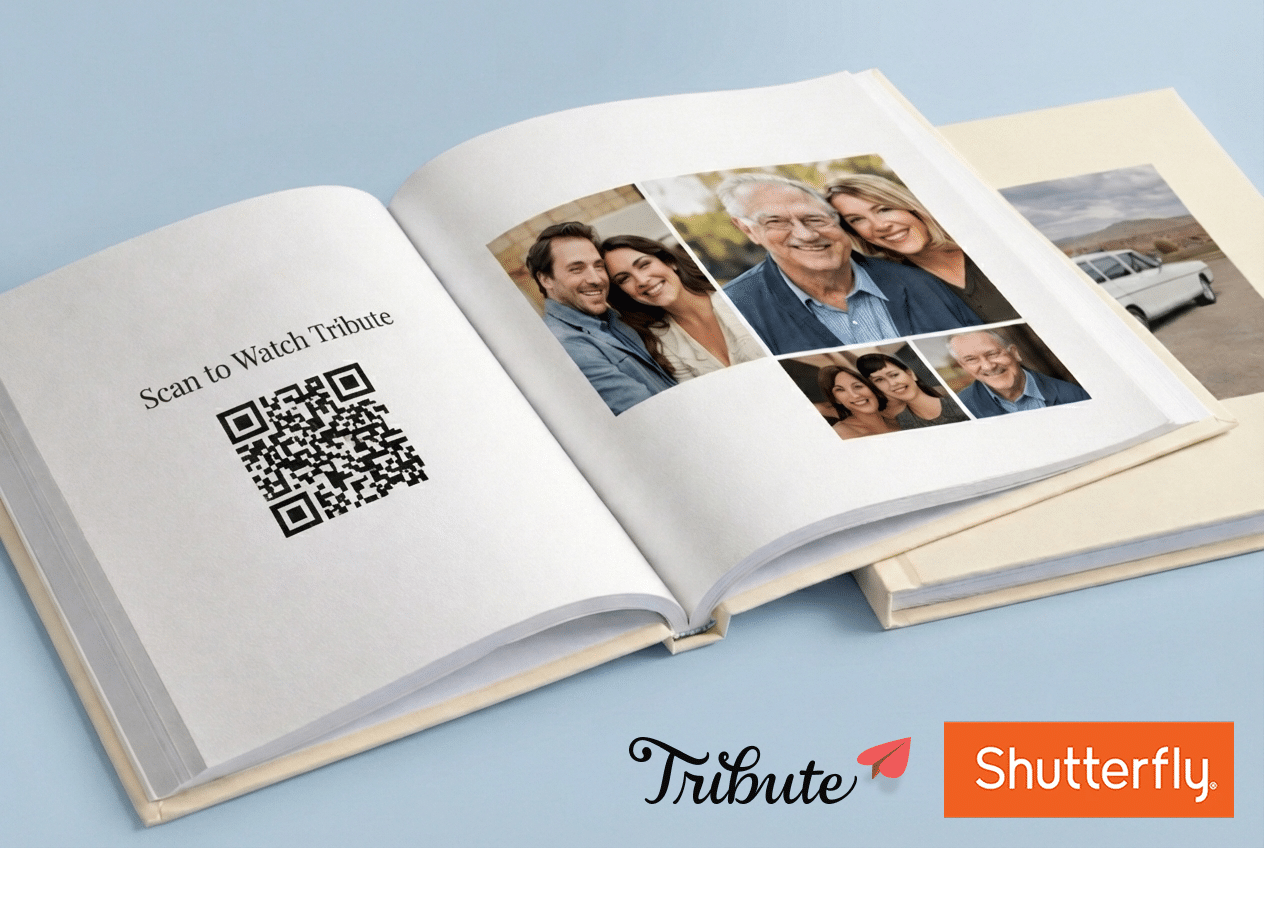
Want to make your Shutterfly photo book even more meaningful? By adding a Tribute video via a QR code, you can turn a beautiful printed book into an interactive experience—one that brings voices, laughter, and heartfelt messages to life.
This guide walks you through exactly how to connect your Shutterfly photo book to a Tribute video collection, step by step.
What You’ll Need
- A Tribute account (free to create)
- A Shutterfly account
- A Canva account (free version works fine)
- A smartphone or tablet (most camera apps scan QR codes automatically)
Step 1: Create Your Tribute Video
First, you’ll set up your Tribute—this is where friends and family record their video messages.
- Go to Tribute.co and create an account if you don’t already have one.
- Click Start a Tribute and follow the prompts to set it up.
- When you’re ready, click Publish & Pay and choose your option:
- DIY Tribute – You collect and edit the video yourself
- Concierge Tribute – Our team helps collect and edit everything for you
- Deluxe Tribute – Includes concierge service plus our premium video-enabled Tribute Playbook
- Customize your Tribute with a theme, prompts, and a welcome message.
- Add email addresses for friends and family you want to invite—we’ll take care of sending the invitations.
Once that’s done, contributors can start submitting their videos while you work on your photo book.
Planning tip: Start your Tribute about 2–3 weeks before finalizing your Shutterfly book so everyone has time to record.
Step 2: Copy Your Tribute Link
You’ll need your Tribute’s public link to turn it into a QR code.
- Log into your Tribute account.
- Open the Tribute you created.
- Click Copy near the Tribute URL at the top of the page.
This link is what your QR code will point to.
Step 3: Create a QR Code in Canva
Now let’s turn that link into something you can print.
- Log into Canva and click Create a design.
- Choose a custom size that fits your book well (for example, 5″ × 5″).
- In the left sidebar, search for QR code under Elements.
- Add a QR code element to your canvas.
- Paste your Tribute link into the URL field and generate the code.
You can start from a blank canvas or use one of Canva’s QR code templates if you prefer.
Step 4: Style Your QR Code
This is where you make it feel intentional—not just slapped on.
- Add a border or frame around the QR code
- Include text like “Scan to watch video messages” or “Scan for more memories”
- Match colors and fonts to your photo book’s theme
Just be sure the QR code itself stays clear and high-contrast so it scans easily.
Design tip: Keep the QR code dark on a light background for best results.
Step 5: Download Your QR Code
When you’re happy with the design:
- Click Share → Download in Canva.
- Choose PNG (recommended for print quality).
- Download the file to your computer.
Step 6: Add the QR Code to Your Shutterfly Book
Time to bring it all together.
- Log into Shutterfly and open your photo book project.
- Go to the page where you want the QR code to appear.
- Upload your QR code image and drag it onto the page.
- Resize it so it’s easy to scan—at least 1.5″ × 1.5″ works well.
Placement ideas:
- A dedicated “Scan to Watch” page
- Inside the front cover
- The final page as a surprise ending
Step 7: Add a Little Context
Help your recipient know exactly what to do.
Use Shutterfly’s text tools to add a short explanation, like:
Scan this code with your phone to watch video messages from everyone.
A simple title and one line of instruction is usually perfect.
Step 8: Test Before Ordering
Before you hit checkout:
- Preview your photo book.
- Screenshot the page with the QR code.
- Scan the screenshot with your phone to make sure it opens your Tribute.
If it doesn’t scan easily, try increasing the size or contrast.
Step 9: Order Your Book
Once everything looks good:
- Review your pages one last time
- Choose your paper and cover options
- Place your order and wait for it to arrive 🎉
The Result: A Gift That Comes to Life
When your recipient opens their Shutterfly photo book, they’ll experience:
- Beautiful printed photos
- A surprise QR code moment
- Heartfelt video messages from friends and family
- A keepsake that blends physical memories with living stories
It’s a simple addition that makes a huge emotional impact.
Want an all-in-one option?
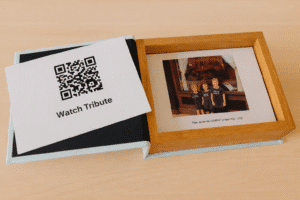
If you’re looking for a fully integrated experience, our Deluxe Tribute with Playbook includes a premium physical book with a built-in video screen—no QR code required. It’s a favorite for milestone birthdays, anniversaries, weddings, and retirements.