Virtual Cards for Groups to Sign: How They Work and When Video Is Better
Virtual cards for groups to sign work by link: one organizer creates the card, shares it, and everyone adds a message, photo or GIF by a deadline. They suit remote teams and quick occasions; for a farewell or a milestone, a group video carries more.

| Type | What signers add | What the recipient opens | Best for |
|---|---|---|---|
| Ecard | A short typed note and a name | One card with a list of messages | Birthdays, get-wells |
| Online group board | Notes, photos and GIFs | A scrolling page of posts | Welcomes, thank-yous, holidays |
| Group video | A short recorded message | One video of everyone speaking | Farewells, anniversaries, Boss's Day |
How do virtual cards for groups to sign work?
An organizer sets up the card, everyone signs from a shared link, and the card is sent or revealed on the day.
Digital cards for groups to sign solve the problem the paper card never could: people who are not in the building.
In 2025, 35 percent of employed people did some or all of their work at home on days they worked, per the Bureau of Labor Statistics American Time Use Survey.
Most tools work the same way. You pick a design, write who it is for, and get a link. Signers open it on any device and add their message. You choose when the recipient sees it.
Which kind of virtual card should your group sign?
Pick by how much each person has to say, and how much the moment deserves.
If you are still deciding between paper and online, our guide to the group greeting card compares all three formats side by side.
1. An ecard
The simplest option: one card design with room for a line from each person. Electronic cards for groups to sign take a minute per signer and suit occasions where a line is enough.
- Time needed: 5 minutes to set up; 1 minute per signer
- Cost: Nothing for basic versions; paid tiers vary by site
Best for: Birthdays, get-well wishes and welcome notes.
Why it works: Nobody needs instructions, so almost everyone signs.
2. An online group board
A board is a page where each signer posts a note, a photo or a GIF, like a wall of sticky notes. It holds more than an ecard and lets people share memories, not only wishes.
- Time needed: 10 minutes to set up; 2 to 5 minutes per signer
- Cost: Nothing for basic versions; paid tiers vary by site
Best for: Thank-yous and team celebrations with lots of photos.
Why it works: Compared with an ecard, there is room for a story and a picture from the off-site.
3. A group video (a Tribute group video)
This one is ours: we make Tribute, the group video gift.
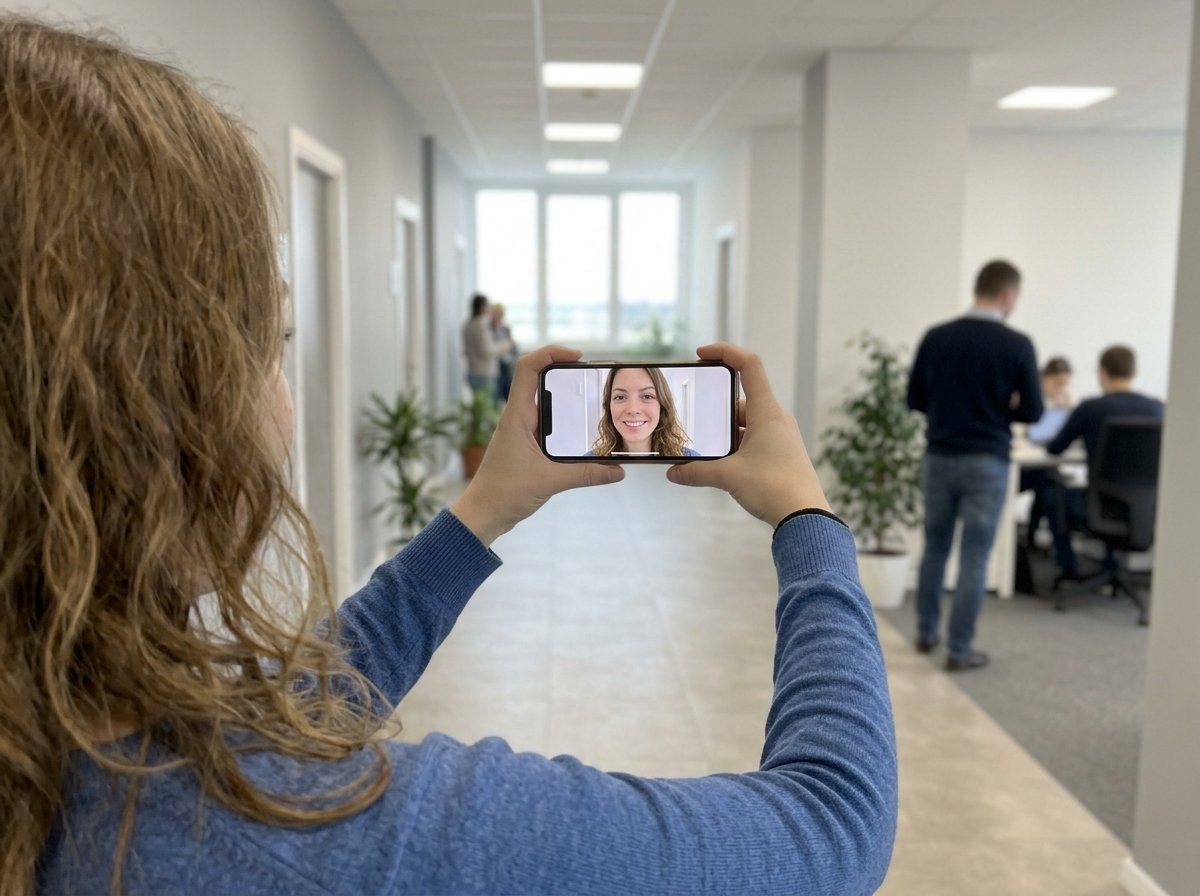
Instead of typing, each signer records a short message. The recipient gets one video of the team speaking to them.
Tribute is a group video gift that turns messages from coworkers into one surprise video.
It works by inviting everyone to record a short clip from their phone or computer; Tribute compiles the clips, music and photos into a finished video you share or play together.
No app or account is needed to record, and email invites and reminders go out for you. Tribute holds 4.9 stars from 7,000+ reviews.
- Time needed: 15 minutes to set up; 2 minutes per person to record
- Cost: Free to start a draft; from $35 when you publish and start collecting videos
Best for: Farewells, work anniversaries and the boss everyone wants to thank.
Why it works: Unlike a typed note, a voice carries the laugh, the pause and the inside joke.
👉 Have the group say it on camera instead if this card is for a goodbye or a milestone and one line each will not cover it.
How do you make a digital group card everyone signs?
Give people a reason to write something specific, a short deadline, and one reminder.
- Pick the occasion and the format (5 minutes). Use the table above.
- Set the deadline (1 minute). Close signing 2 to 3 days before the day.
- Write the invitation with a prompt (5 minutes). "Share one moment from working with Sam" gets better notes than "sign the card."
- Share the link out of sight (2 minutes). Use an email list or channel the recipient is not in.
- Send one reminder (2 minutes). The day before the deadline works best.
- Reveal it together (10 minutes). Open it on a call or at the desk so the team sees the reaction.
The prompt is the step most organizers skip, and it decides how good the card is. Gallup's guidance on recognition puts it this way: "Providing a specific reason for your recognition gives instant 'face validity.'"
When is video better than virtual cards for groups to sign?
When the people signing have years of stories with the person and only one line each to tell them.
Say your team is sending off a coworker after eight years. The ecard fills up with "Good luck!" and "We'll miss you!" because a text box invites a short answer. A Tribute group video asks for a minute instead.
You do not have to edit anything or wrangle forty file uploads; our Concierge editors can build the finished video. Each person records when it suits them.
The video plays at the farewell, then lands in their inbox to keep. For a big send-off, add a Video Book that plays the video when it is opened.

Video is the wrong answer for a quick birthday or a get-well note, where a short line is right and a camera would feel like too much. Send the ecard.
What should you look for in a digital group card tool?
Look for the features that decide whether people sign, and whether the recipient can keep it.
- No sign-up for signers. Every extra step costs you signatures.
- A deadline and reminders. Most cards fill up in the last 24 hours.
- A reveal time. So the card does not land before the day.
- A way to keep it. A download or a link that stays up after the party.
- Privacy. A personal card should not be open to anyone with a search engine.
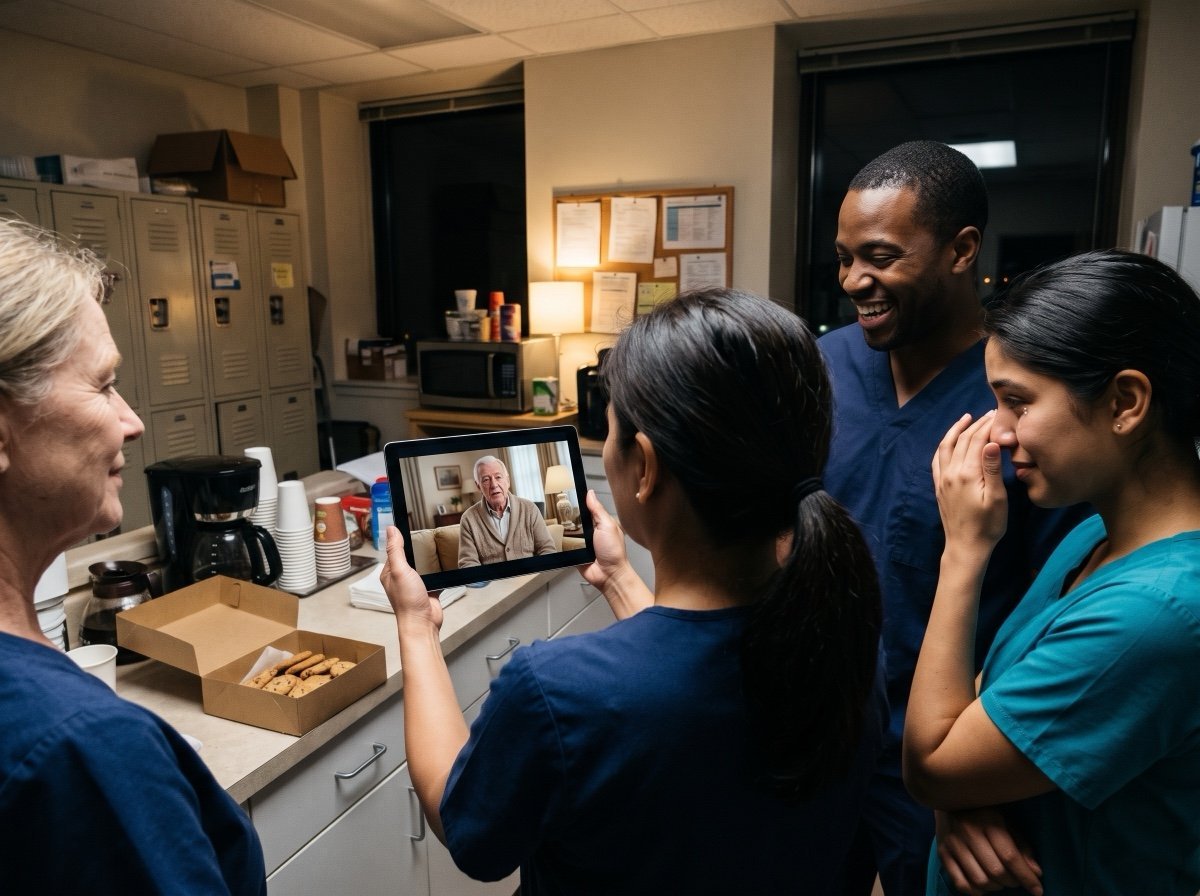
Picture a hospital unit signing a card for a nurse manager who is retiring. The night shift signs at 3 a.m., the day shift at lunch, and the reminder catches the ones on vacation. The tool that handles that schedule is the one to choose.
What should people write in electronic cards for groups to sign?
One moment, one thank-you, one wish.
- "Thank you for covering my shifts when my dad was sick. I won't forget it."
- "Your Friday playlists got us through the audit. Happy birthday."
- "Welcome, Jordan. Ask me anything about the billing system; I've broken it twice."
- "Eight years of answers to questions I was too embarrassed to ask anyone else. Thank you."
- "Get well soon. Your plant is in good hands, and we've labeled your mug."
Copy the format, not the words: the best notes name something only that person did.
Can you use a digital group card for Boss's Day?
Yes, and it is one of the best uses, since thanks to a boss should come from the whole team.
Boss's Day falls on October 16, observed on the nearest workday when it lands on a weekend. Ask each person for one thing the boss did that made their job better.
Our Boss's Day guide covers dates and wording, and our list of employee appreciation ideas has more ways to thank the team.
Frequently Asked Questions
Can you get a virtual group card free?
Many ecard and board sites offer a basic version at no cost, with limits on signers, designs or how long it stays up. Check the limits before you share the link.
How many people can sign a virtual group card?
It depends on the tool and the plan. Most handle a team or a department; for a whole company, check the signer limit first.
Can people add photos and videos to a group ecard?
Online boards take photos and GIFs. For spoken messages from every person, a group video is the format built for it.
How do you keep a virtual card a surprise?
Share the link in an email or channel the recipient is not in, and set a reveal time. Ask signers not to mention it in public channels.
Can a whole department sign one virtual card?
Yes, as long as the tool's signer limit allows it. For large groups, ask team leads to share the link with their own people so it reaches every shift.
How far ahead should you start a group card?
For an ecard, three to five days is enough. For a group video, open it 1 to 2 weeks before the day so people have time to record.
The video version has its own step-by-step guide: see how to make an employee appreciation video.
👉 Give the farewell card a voice from every signer when one typed line each would shrink years of working together into "good luck."