A virtual memorial service is a live or recorded gathering held online so that family and friends can come together to honor someone they loved, regardless of where they are in the world. You can host one using a video call platform, a pre-recorded tribute video, or both. With the right preparation, an online memorial service can feel just as personal and meaningful as one held in a physical space.
Why Are Virtual Memorial Services Becoming More Common?
Geography, illness, cost, and time constraints can all prevent people from attending a service in person. The National Funeral Directors Association has noted a steady rise in families requesting hybrid and fully virtual options, reflecting how many loved ones are spread across cities, countries, and time zones.
A remote memorial also allows more people to participate. Someone who is homebound, immunocompromised, or living abroad can still show up, speak, and grieve alongside everyone else. That inclusion matters during one of the hardest moments a family faces.
Distance no longer has to mean absence.
What Platform Should You Use for a Zoom Memorial or Online Service?
Zoom is the most familiar choice for a zoom memorial, and its “gallery view” creates a sense of everyone being in the same room. For larger gatherings, Zoom Webinar allows up to 1,000 attendees while keeping the speaker experience clean.
Other strong options include Google Meet for simplicity, StreamYard for a more polished broadcast feel, and Gather.town for families who want a more interactive, less formal experience. Each platform has strengths, so choose based on your group’s comfort level with technology.
Whatever you choose, send the link and login instructions at least 48 hours in advance, and designate a co-host who can handle technical questions so you can focus on the people in the room.
How Do You Plan the Program for a Virtual Memorial?
Start with a clear order of events and share it with anyone who has a speaking role beforehand. A typical program runs 45 to 90 minutes and includes an opening welcome, a moment of silence, personal stories and remembrances, a musical tribute, and a closing reflection.
Keep speaking slots to three to five minutes each. On a screen, longer readings can lose the room. Brief, specific memories land harder than long, general ones.
Build in a few minutes of buffer between segments. Technical delays happen, and a little breathing room keeps the tone calm rather than rushed.
How Do You Involve Everyone in a Remote Memorial?
Participation is what makes a remote memorial feel real. Ask attendees to light a candle at home before the call starts. Create a shared slideshow and invite family members to submit photos in advance. Open a virtual “guest book” where people can leave written messages.
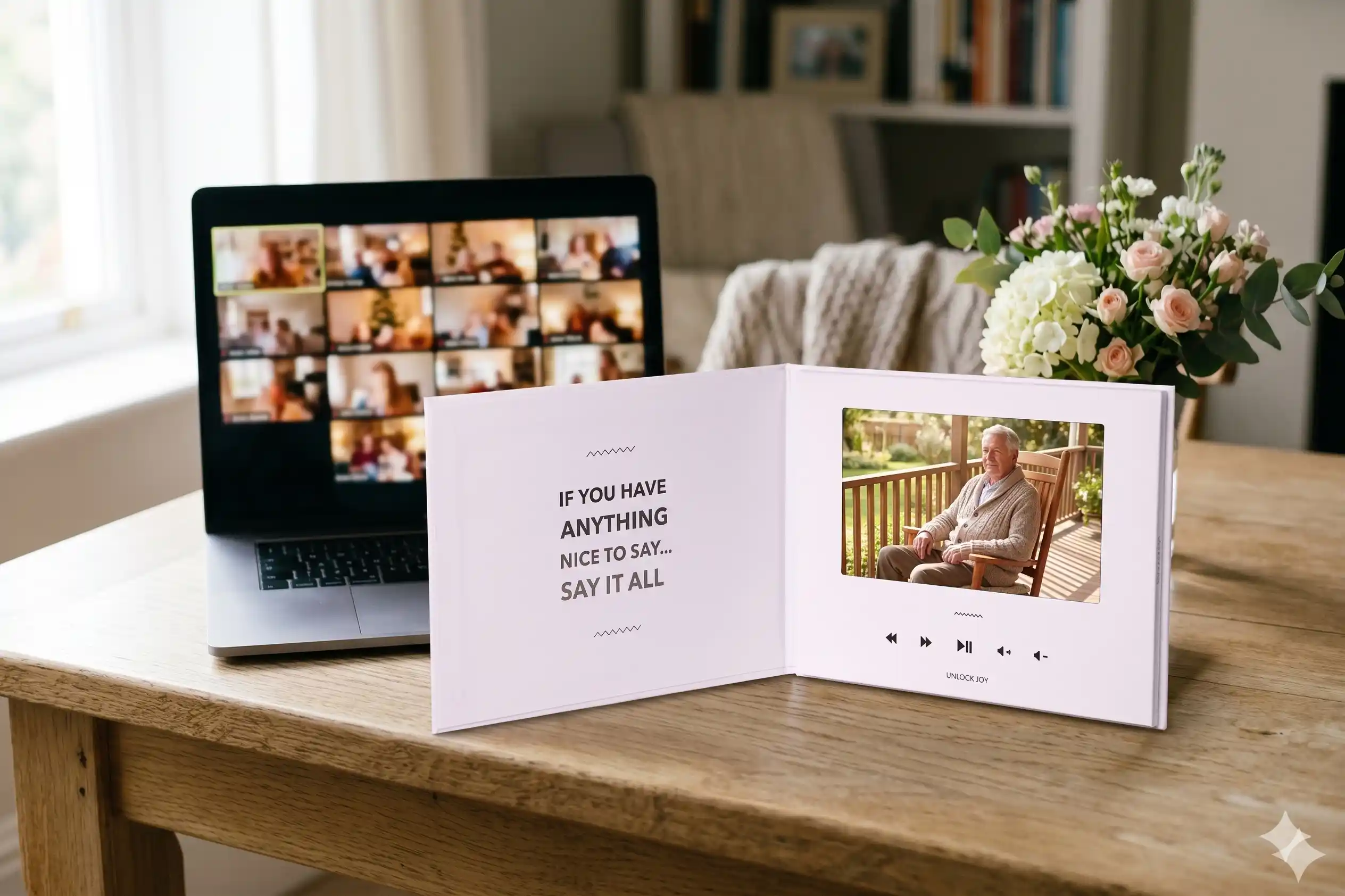
One of the most meaningful things you can do is gather video messages from people who cannot join the live call. Not everyone can attend a Zoom at a specific time due to time zones, work, or caregiving responsibilities. A shared video tribute lets them still be heard.
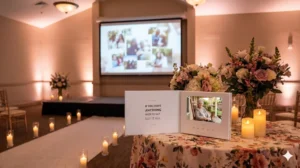
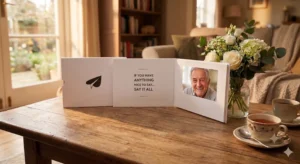
Tribute (tribute.co) is a group video gift platform that lets you collect personal video messages from friends, family, and community into a polished memorial montage. It works by sharing a link: contributors record from any device, no app needed, and Tribute compiles everything automatically. It is free to start, requires no downloads, and adds no watermarks to the final video.
Unlike a simple slideshow, Tribute captures living voices and faces telling real stories. Unlike a Facebook memorial page, it creates a single polished video that can be played during the service itself, then saved and rewatched for years. The result is something families describe as far more personal than any written tribute.
👉 Start a memorial tribute video for free
What Are the Best Remote Memorial Ideas Beyond a Standard Video Call?
A live call is just the beginning. Consider pairing it with one or more of these remote memorial ideas to make the experience richer for everyone involved.
A Shared Meal Across Households
Ask everyone to prepare or order a dish the person loved before the call. Eating together over video is surprisingly powerful. It grounds a remote gathering in something sensory and familiar.
Best for: Families who shared food traditions or have a dish that everyone associates with the person who passed.
Why it works: Food carries memory in a way that words alone cannot. Sharing a meal, even across screens, creates a moment of genuine togetherness.
A Virtual Candle Lighting
Ask all attendees to light a candle at the same moment during the service. The visual of everyone’s candles on screen creates a shared, quiet ritual that needs no explanation.
Best for: Any online memorial service where you want a moment of collective reflection.
Why it works: Rituals give grief somewhere to go. A simultaneous action creates a feeling of unity that talking alone does not.
A Group Tribute Video to Play During the Service
Collect video clips from attendees and non-attendees alike in the days before the service. Play the compiled video during the memorial as its own segment. Families who have done this consistently describe it as the most emotional part of the whole gathering.
Best for: Families with loved ones spread across multiple cities or countries, where many people genuinely cannot attend.
Why it works: Hearing someone’s voice say “I loved her because…” is more powerful than reading the same sentence. Video messages give distant mourners a real presence in the room.
See also: How to Create a Group Memorial Video
A Memory Jar Activity
Before the service, email a simple prompt: “Write one memory of [name] on a piece of paper.” During the call, invite a few people to read theirs aloud. It requires no technology beyond a piece of paper and creates a moment of spontaneous, unpolished sharing.
Best for: Groups that include older participants who are less comfortable with technology.
Why it works: It lowers the barrier to participation and surfaces memories that might never be shared in a more formal format.
A Charity Donation Drive
Set up a shared donation page for a cause the person cared about and share it during the service. Watching the total rise in real time gives the grief somewhere constructive to go and leaves a tangible legacy.
Best for: Families who want a lasting action tied to the memorial, especially where the person had a cause they championed.
Why it works: It transforms passive mourning into active honoring. Research from the Hospice Foundation of America suggests that purposeful action after a loss supports the grieving process.
How Do You Handle Technical Problems During a Live Online Memorial?
Assign a dedicated tech co-host before the service starts. This person’s only job is to manage audio issues, admit attendees from the waiting room, and handle any screen-sharing problems. The main host should be free to focus entirely on the people and the program.
Do a dry run the evening before. Test screen sharing, audio, and the video you plan to play. A 20-minute rehearsal prevents 90% of the problems that would otherwise surface during the service itself.
Have a backup plan in writing. If the platform goes down, what do you do? A simple email to all attendees with a phone dial-in number takes five minutes to prepare and provides enormous peace of mind.
How Do You Honor Someone Who Could Not Attend the Live Service?
Not everyone can join a call at a fixed time. Time zones, shift work, and caregiving responsibilities all create genuine barriers. Honoring those people matters.
Record the service and share it with anyone who missed it. Send them a personal message afterward acknowledging their absence and letting them know they were thought of. If you used a group tribute video, share that separately so they can watch everyone’s messages at their own pace.
See also: When You Can’t Attend the Funeral: What to Do
People grieving from a distance often feel guilt on top of grief. A small gesture of acknowledgment can ease both.
👉 Let distant loved ones contribute a video message before the service
What Should You Send Attendees Before a Virtual Memorial Service?
Send a preparation email two to three days before the service. Include the platform link and any password, the program order, a photo of the person if attendees do not know each other well, and any activity instructions (candle, meal, memory prompt).
If you are collecting video messages for a tribute video, include the contribution link in this email with a clear deadline. “Please add your video by Thursday evening” is easier to act on than an open-ended ask.
The Hospice Foundation of America recommends giving mourners a sense of what to expect before a service. Knowing the structure helps people arrive emotionally prepared rather than anxious about the unknown.
How Do You Make a Virtual Memorial Service Feel Personal?
Specificity is what makes any memorial feel real, and virtual ones are no different. Use the person’s name often. Tell specific stories, not general ones. Share a photo that captures a particular moment rather than a formal portrait.
Ask speakers to answer a simple prompt rather than deliver a speech: “Tell us one time [name] made you laugh” or “Describe a moment when [name] showed up for you.” Prompted storytelling produces warmer, more specific memories than open-ended eulogies.
The goal is not a perfect production. It is a gathering where people feel the person’s presence and each other’s love. Technology is just the room you meet in.
See also: How to Honor the Memory of a Loved One
See also: Creating a Digital Memorial
Frequently Asked Questions About Virtual Memorial Services
What is a virtual memorial service?
A virtual memorial service is a gathering held online, typically via video call, to honor someone who has passed away. It allows family and friends from any location to come together, share memories, and grieve as a community without needing to travel.
How long should an online memorial service be?
Most virtual memorial services run between 45 and 90 minutes. Shorter than an in-person service, this range keeps attention focused and prevents screen fatigue. You can always extend with an informal open chat period after the formal program ends.
What is the best platform for a Zoom memorial?
Zoom is the most widely used platform for a zoom memorial because most people already have it installed. For very large gatherings, Zoom Webinar handles up to 1,000 attendees. Google Meet is a simpler option for smaller, less tech-savvy groups.
How do I include people who can’t attend the live virtual service?
Record the service and share the recording by email or private link afterward. You can also invite non-attendees to submit a video message or written memory before the service so their voice is still present, even if they cannot join live.
Can I play a tribute video during a virtual memorial?
Yes, and many families find it is the most emotional part of the service. Use screen share to play a pre-compiled tribute video. Collect video clips from attendees and non-attendees alike in advance, compile them into a single video, and play it as its own segment.
What are some good remote memorial ideas beyond a standard video call?
A shared meal across households, a synchronized candle lighting, a charity donation drive, a memory jar reading, and a group tribute video are all strong remote memorial ideas. The best ones involve simultaneous action, which creates a sense of togetherness across distances.
How much does it cost to host a virtual memorial service?
Basic video call platforms like Google Meet and Zoom’s free tier are available at no cost for up to 40 minutes. For longer services, Zoom’s paid plan is around $15 per month. A group tribute video platform like Tribute is free to start with no app required.
How do I make a virtual memorial feel less impersonal?
Use the person’s name throughout. Ask speakers to share one specific story rather than a general reflection. Include photos, music the person loved, and an activity that gives attendees something to do together. Specificity and shared action are what transform a call into a memorial.
The Most Important Thing a Virtual Memorial Can Do
A virtual memorial service is not a lesser version of an in-person one. It is a different format with its own strengths, primarily the ability to bring together people who would otherwise be entirely absent from the grieving process.
Unlike a phone call or a sympathy card, a virtual service gives everyone a place to be together, even for an hour, even from a thousand miles away. According to What’s Your Grief, shared rituals play a significant role in helping people process loss. A virtual gathering counts as one of those rituals.
The technology fades into the background when the people and their stories are at the center. Plan well, keep it specific, and make room for everyone who loved the person to show up, wherever they are.
👉 Gather video messages and create a memorial tribute for free