The best free memorial video maker lets you build a tribute at no cost, without a watermark on the finished result, and without asking every contributor to download an app. Tribute (tribute.co) is free to start and built around the thing that makes a memorial video meaningful: multiple voices, not just one person working alone. This guide compares the main options so you can find what fits your situation.
👉 Start a free memorial video with Tribute
What should you look for in a free memorial video maker?
Not all free video tools are built for the same job. A memorial video has specific needs that general editing software does not address well: multiple contributors, emotional content, and a final result that a grieving family can share without watermarks or subscription fees.
Before you choose a tool, consider four things. First, can multiple people contribute, or does everything have to come from one person’s device? Second, is the final video free of watermarks? Third, do contributors need to install an app or create an account? Fourth, how much technical skill does the tool require?
These four factors separate tools that work for a real memorial from tools that work for a personal project with unlimited time and a single editor.
What are the main types of free memorial video tools?
There are four broad categories of tools people use to make a free tribute video or memorial slideshow free of cost. Each has real strengths and real limitations.
Basic Photo Slideshow Apps
These apps turn a folder of photos into a slideshow set to music. They are widely available, often free, and require no editing experience. Most produce a watchable result in under ten minutes.
Best for: Families who have a collection of photos and want a simple, single-person project with a quick turnaround.
Why it works: Low barrier to entry means anyone can start immediately, even under the time pressure of planning a service.
Unlike a collaborative platform, basic photo slideshow apps only capture what one person can gather on their own device. Stories, video messages, and memories from people who live far away are left out entirely. The result reflects one person’s archive, not a community’s love.
Video Editing Software
Desktop video editing programs offer full creative control over every cut, transition, and music choice. Free versions of professional tools exist, and some are powerful enough to produce broadcast-quality results.
Best for: Families with someone who has video editing experience and the time to invest several hours in a project.
Why it works: Full control over the final product means the video can be exactly what the family imagines.
Unlike a purpose-built memorial tool, video editing software requires gathering all the source files yourself. Contributors cannot submit clips directly. Someone must request files from each person, download them, organize them, and edit them, all while managing grief.
Social Media Slideshow Tools
Several social platforms include built-in tools that automatically generate a memory video or slideshow from photos in an album. These require no effort at all and appear as notifications or prompts.
Best for: Informal remembrances shared within a private social network where everyone is already connected.
Why it works: Zero setup, zero cost, and the content already lives on the platform.
Unlike a dedicated memorial platform, social media slideshow tools are designed for the platform’s format and algorithm, not for a funeral or memorial service. Privacy controls vary, and the result is often not something you would show on a screen at a service or give to a family as a keepsake.
Collaborative Memorial Video Platforms
These tools are built specifically for collecting video messages and photos from multiple people and combining them into a single, polished tribute. Contributors submit from any device, no editing experience is required, and the platform handles the compilation.
Best for: Families who want a video that reflects the voices of many people, not just one curator.
Why it works: The hardest part of a memorial video is not the editing. It is gathering the stories. A collaborative platform solves that problem.
Why does Tribute stand out as a no cost memorial video option?
Tribute (tribute.co) is a group video gift platform that lets you collect personal video messages from friends, family, and community into a polished memorial montage. It works by sharing a link, contributors record from any device, no app needed, and Tribute compiles everything automatically.
Tribute is free to start, with no watermark on the final video. That combination is rare among video tools of any kind. Many free tools add a visible watermark to the exported file unless you pay for a plan. Tribute does not.
According to Tribute’s own data, over 8 million video messages have been sent through the platform, and 82% of recipients cry tears of joy when they watch their tribute. A typical tribute gathers between 15 and 50 individual clips. That volume of contribution is only possible because the barrier for contributors is essentially zero: they receive a link, they record, they submit.
Automatic reminders go out to contributors who have not yet submitted, which matters during a week when everyone is grieving and no one has the energy to chase people down. The organizer does not have to follow up individually. Tribute handles it.
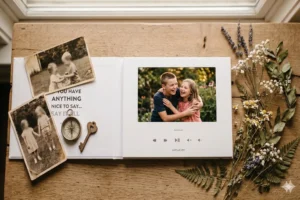
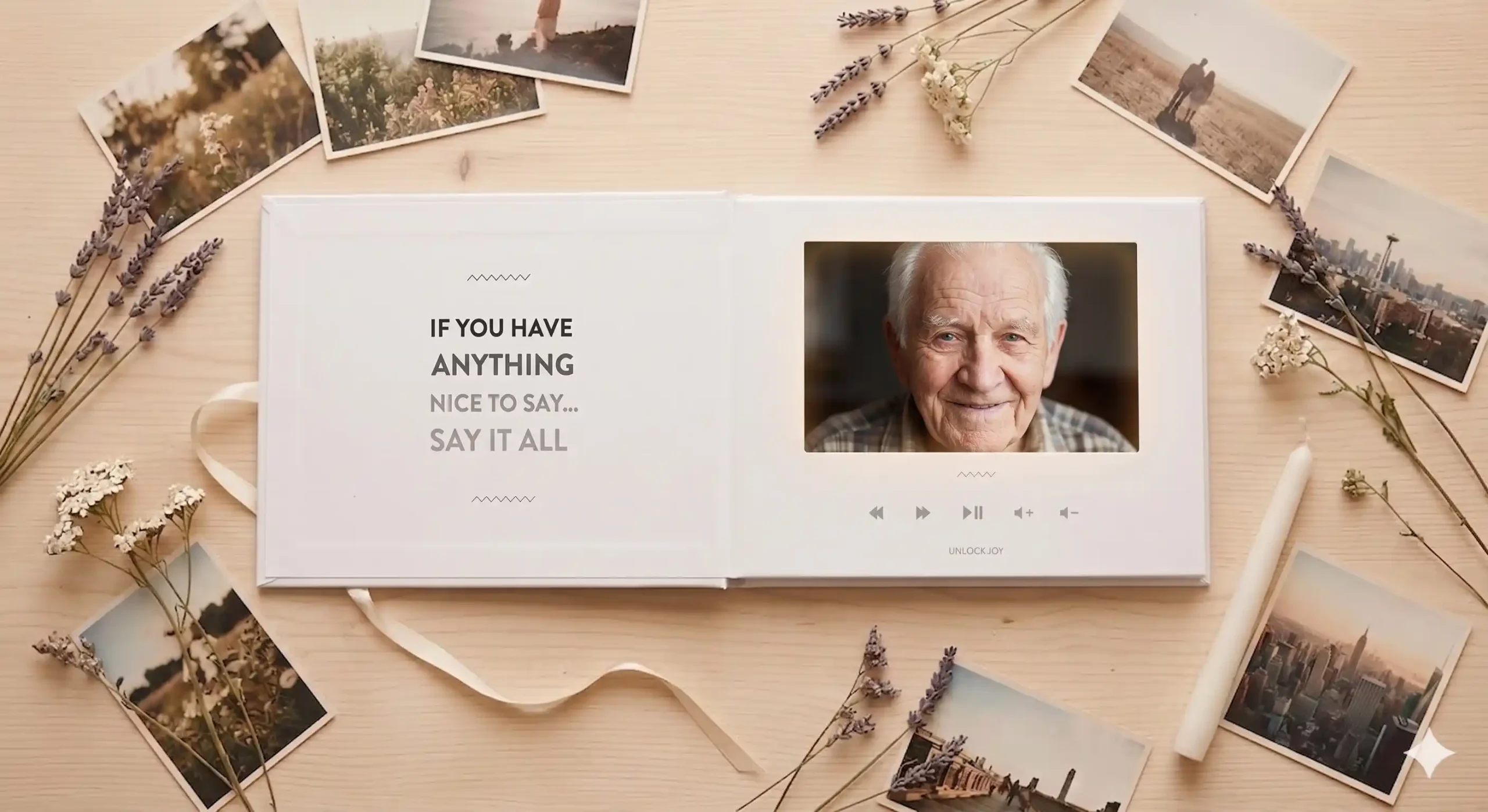
For families who want a physical keepsake, the Tribute Video Book is a linen-bound hardback that opens to a seven-inch screen with built-in speakers. It plays the montage automatically and sits on a shelf or mantel long after the service. It represents the premium end of what starts as a free project.
👉 Create a memorial video for free, no watermark
For more context on the full range of options, read the complete guide to memorial video makers or explore the DIY memorial video approach if you prefer to build the final edit yourself.
How do you set up a memorial tribute video with Tribute?
The process takes about five minutes to start and runs on its own from there.
Step 1: Create a free project
Visit tribute.co, select the memorial occasion, and name the project. You add a brief description and, if you have one, a photo of the person being honored. No credit card is required to start.
Step 2: Share the contributor link
Tribute generates a unique link for the project. Share it by text, email, or any messaging app. Every person who receives the link can record a video message or upload a photo directly from their phone or computer, with no app to download and no account to create.
Step 3: Let the reminders run
Tribute sends automatic reminders to anyone who has not yet contributed. The organizer can also see at a glance who has submitted and who has not. During a week filled with arrangements and emotion, this visibility matters.
Step 4: Review and compile
When the contributions are in, review them and arrange the order. Tribute compiles the clips into a single montage. The final video has no watermark.
Step 5: Share or order a Video Book
The finished video can be shared digitally with the entire family at no cost. For a lasting physical keepsake, the Tribute Video Book turns the montage into a linen-bound hardback that plays the video automatically when opened.
For a full walkthrough of the creation process, see how to make a memorial video.
How does Tribute compare to general video tools for a memorial?
The table below captures the key differences between the main tool categories and Tribute on the factors that matter most for a memorial video.
Unlike basic photo slideshow apps, Tribute gathers video messages from anyone with a phone and a link, not just the photos one person already has on their device. Unlike video editing software, Tribute requires no technical skills and no single person to carry the entire production burden. Unlike social media slideshow tools, Tribute produces a final video designed for a memorial service or family sharing, with no platform watermark and full privacy control.
The result is that Tribute is not just a no cost memorial video option. It is a different category of tool: one built for collaboration during a time when the people who matter most are scattered and grieving.
What are some tips for making the best memorial video possible?
The quality of a memorial video depends more on the content than on the tool. These tips apply regardless of which option you choose.
Ask for a specific memory, not a general message
When you invite contributors, prompt them with a question: “What is one moment with [Name] you want to share?” A specific prompt produces specific, moving answers. An open prompt produces general ones.
Best for: Groups that include people who are not sure what to say or who tend toward brief, polite responses.
Why it works: Specificity is what makes a tribute feel personal rather than generic.
Include voices from different parts of their life
The most complete tributes gather contributors from multiple relationships: family, colleagues, childhood friends, neighbors, members of a faith community. Each group knew a different version of the person, and together those perspectives add up to something true.
Do not wait until the day before
Contributors need at least a few days to record something they feel good about. Send the link as early as possible, ideally within the first 24 to 48 hours after the news breaks. The National Funeral Directors Association notes that families often have only a week to plan a service, which means time is the scarcest resource. Start collecting early.
Keep clips short
Two to three minutes per contributor is enough. Longer clips are harder to watch back to back, and the emotional impact of a tribute comes from the accumulation of voices, not the length of any one message.
The Hospice Foundation of America has resources on memorialization and grief that can help families decide what kind of tribute feels right for their situation. What’s Your Grief also offers guidance on creating meaningful rituals around loss.
For more ideas on how a video tribute fits into a larger approach to honoring someone’s memory, see how to honor the memory of a loved one.
👉 Gather video messages from everyone who loved them
Frequently Asked Questions About Free Memorial Video Makers
Is Tribute really free to start with no watermark?
Yes. Tribute is free to start, and the final compiled video does not carry a watermark. Contributors can record and submit at no cost. The premium option is the Tribute Video Book, a physical linen-bound keepsake that plays the video automatically, but the digital memorial video itself is free.
Do contributors need to download an app to submit a video?
No. Contributors receive a link and record or upload directly from their phone, tablet, or computer through a browser. There is no app to download and no account to create. This is important during a week when asking grieving friends and family to jump through technical steps creates unnecessary friction.
What is the difference between a memorial slideshow and a memorial video tribute?
A memorial slideshow is typically a sequence of photos set to music, created by one person from their own files. A memorial video tribute, as Tribute produces it, includes recorded video messages from multiple contributors. The difference is the presence of real voices and real stories, not just images.
Can I use free memorial video tools if I am not tech-savvy?
Yes. Tribute is designed to require no technical skills from either the organizer or the contributors. Basic photo slideshow apps are also accessible to most people. The tools that require more skill are desktop video editing programs, which have a steeper learning curve but offer more control.
How long does it take to make a memorial video?
With Tribute, the organizer can set up a project in about five minutes. The time-consuming part is collecting contributions, which typically takes two to five days depending on how quickly people respond. With a basic slideshow app, a single person can produce a result in under an hour if the photos are already organized.
Can I show the memorial video at the funeral service?
Yes. A finished Tribute video can be downloaded and played on any screen at a service. Many families share it digitally afterward so people who could not attend can watch it. The Tribute Video Book is also designed to be placed on display at a service or at home.
What is a memorial slideshow free option for someone with no budget at all?
Tribute is free to start and produces a final video without a watermark, making it the strongest no-cost option for a memorial video that includes multiple contributors. Basic photo slideshow apps built into phones are also free but limited to one person’s photo library and do not include video messages.
Is it appropriate to make a memorial video for someone who just passed away?
Yes. A memorial video is one of the most personal ways to honor someone’s life. Organizations like the Hospice Foundation of America recognize memorialization as a healthy and meaningful part of the grieving process. Creating something together can give family and friends a shared focus and a lasting record of the love they had for the person they lost.