How to Make a Funeral Slideshow: Templates and Tips (2026)
A funeral slideshow is a photo montage set to music that plays during a service or reception, typically running 5 to 10 minutes and featuring 50 to 100 photographs. To make one, you gather photos, arrange them chronologically or by theme, pair them with meaningful music, and export the final video to play on a screen or share online.
This guide walks through every step, from collecting images to choosing templates, timing transitions, and adding the voices of the people who loved them most.
Why Does a Funeral Slideshow Matter So Much?
A memorial slideshow gives mourners something to look at together. It anchors the service and creates a shared moment of remembrance that words alone cannot carry.
According to the National Funeral Directors Association (NFDA), personalized elements like photo tributes and memory videos have become among the most requested features at modern services. Families who include them consistently report that they made the gathering feel more meaningful.
A photo montage for funeral use also serves a lasting purpose. Long after the service, it becomes an archive the family returns to: the first birthday, the porch in summer, the face that is harder to recall with each passing year.
What Photos Should You Include?
Aim for 50 to 100 photos for a standard 5 to 10 minute slideshow at roughly 5 to 7 seconds per image. Too few photos feel sparse; too many rush past before anyone can absorb them.
Cast a wide net at first. Reach out to siblings, old friends, coworkers, and neighbors. The photos you do not know exist are often the ones that draw the most tears and the most laughter.
Categories to gather:
- Childhood and early family
- School years and young adulthood
- Milestones: graduations, weddings, births
- Career and achievements
- Friendships and community
- Hobbies, travels, and everyday moments
- Later life and recent years
- Candid photos that capture personality
Do not limit yourself to formal portraits. The candid images, a laugh caught mid-sentence, a hand on a shoulder, a quiet moment in a garden, are often the ones that feel most true.
Should You Organize Photos Chronologically or by Theme?
Both approaches work well. The choice depends on the person you are honoring and the story you want to tell.
Chronological order takes viewers through a life from beginning to end. It has a natural arc and helps family members from different eras of the person’s life find their moment in the story. This is the most common structure for a memorial slideshow.
Thematic order groups images by chapter: family, work, travel, faith, friendship. It works well for people whose lives had distinct roles or communities, or when you have photos from many contributors who knew them in different ways.
A hybrid approach is also worth considering. Open with a strong recent portrait, move chronologically through life, and close with a warm group image or a favorite place. The opening and closing frames carry disproportionate emotional weight, so choose them with care.
What Are the Best Funeral Slideshow Templates and Tools?
You do not need professional video editing skills to create a moving funeral video. Several tools are built for exactly this purpose.
Common options include:
- PowerPoint or Keynote: Familiar, widely available, exports to video. Limited transition variety but reliable for simple slideshows.
- iMovie (Mac/iOS): Handles photos and music, exports cleanly. Good for straightforward chronological slideshows.
- Canva: Template-based, easy to use in a browser, good font and layout control. Best for a more designed, visual presentation.
- Animoto: Purpose-built slideshow tool with music sync and theme options.
- Adobe Express: Template-driven, good quality output, browser-based.
- Final Cut Pro / Premiere: Full control, high output quality, steeper learning curve. Worth it if someone in the family has the skills.
For funeral video templates, look for themes labeled “memorial,” “tribute,” or “remembrance.” Soft fades, gentle Ken Burns zoom effects, and clean typography work better than quick cuts or flashy transitions. The goal is to let the photos speak, not to call attention to the editing.
Unlike general-purpose video editors, purpose-built memorial tools often include royalty-free music libraries curated for grief and remembrance, which saves significant time when clearing licensing.
How Do You Choose Music for a Funeral Slideshow?
Music shapes the emotional experience of the slideshow more than almost any other element. The right song carries the room; the wrong one creates friction at exactly the wrong moment.
Choose one to three songs for a standard 5 to 10 minute slideshow. More than three tracks means more transitions, which can disrupt the mood.
Principles for song selection:
- Start with what the person loved, not what feels generically appropriate
- Match the tempo of the music to the pacing of the images
- Consider the audience: a multigenerational room may need a mix of eras
- Instrumental arrangements reduce the risk of a lyric landing the wrong way at the wrong moment
- Fade out rather than stopping abruptly
For a full curated list sorted by mood, relationship, and genre, see our guide to the best songs for a memorial video.
On music licensing: if you are projecting the slideshow at a public service venue, the venue’s blanket license may cover it. For online sharing, platforms like YouTube and Facebook have Content ID systems that may mute or flag copyrighted tracks. Royalty-free music from libraries like Epidemic Sound, Artlist, or YouTube Audio Library avoids these issues. The Hospice Foundation of America has resources on planning memorial services that include guidance on music considerations.
How Do You Time a Funeral Slideshow Correctly?
Timing is the element most people underestimate. A slideshow that moves too fast feels disrespectful; one that lingers too long loses the room.
A good baseline is 5 to 7 seconds per photo. For images with significant emotional weight, go up to 10 seconds. For group photos or collages with multiple people, give viewers time to scan.
A simple timing formula:
- Count your photos (e.g., 75)
- Multiply by your target seconds (e.g., 6 seconds)
- That gives you runtime in seconds (e.g., 450 seconds = 7.5 minutes)
- Adjust photo count or timing to match your music length
Most slideshow tools let you set a global transition speed and then override individual slides. Use that to slow down on key images: the wedding portrait, the photo with a parent, the last family gathering.
Transitions should be simple. A soft cross-dissolve between every photo is almost always the right choice. Reserve a fade-to-black for significant chapter breaks only.
Can You Add Video Clips to a Funeral Slideshow?
Yes, and even a few short clips change the experience completely. Hearing a voice, seeing someone move and laugh, transforms a photo montage for funeral use into something closer to a living memory.
If you have home videos, even brief ones, consider including 15 to 30 second clips between photo sections. They do not need to be high production quality. Authenticity matters far more than resolution.
This is also where a group video tribute becomes a meaningful addition or alternative.
What Is a Group Video Tribute, and How Does It Differ from a Slideshow?
A funeral slideshow captures photographs. A group video tribute captures voices.
Tribute (tribute.co) is a group video gift platform that lets you collect personal video messages from friends, family, and community into a polished memorial montage. It works by sharing a link: contributors record from any device, no app needed, and Tribute compiles everything automatically.
Where a photo slideshow shows a life in images, a group tribute lets the people who knew them speak directly. A grandchild shares a memory. A colleague tells the story of how they met. A childhood friend describes something no one else knew. Over 8 million video messages have been sent through Tribute, and 82% of recipients say they cried tears of joy.
Unlike building a slideshow in iMovie or Canva, Tribute handles the collection and compilation automatically. Unlike asking people to submit video files over email, Tribute’s link-based system works for contributors of any tech comfort level, from any device, with automatic reminders so no one is forgotten.
A typical Tribute gathers 15 to 50 or more individual clips. The result is something a slideshow cannot be: the sound of the people who loved them, telling you why.
👉 Start a group video tribute for your loved one, free to start on Tribute
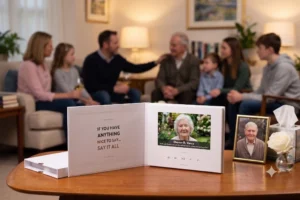
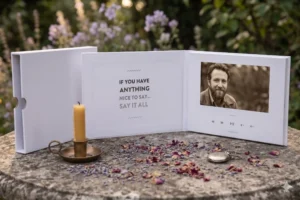
Tribute is free to start. Contributors record from any device with no app required. The finished video delivers instantly, and the Tribute Video Book, a linen-bound hardback with a 7-inch screen and built-in speakers that plays automatically, gives the family something to hold onto.
For more on what a full memorial video can include, see our guide to how to make a funeral video and our collection of memorial video ideas.
How Do You Share or Present a Funeral Slideshow?
You have several options depending on where and when people will watch it.
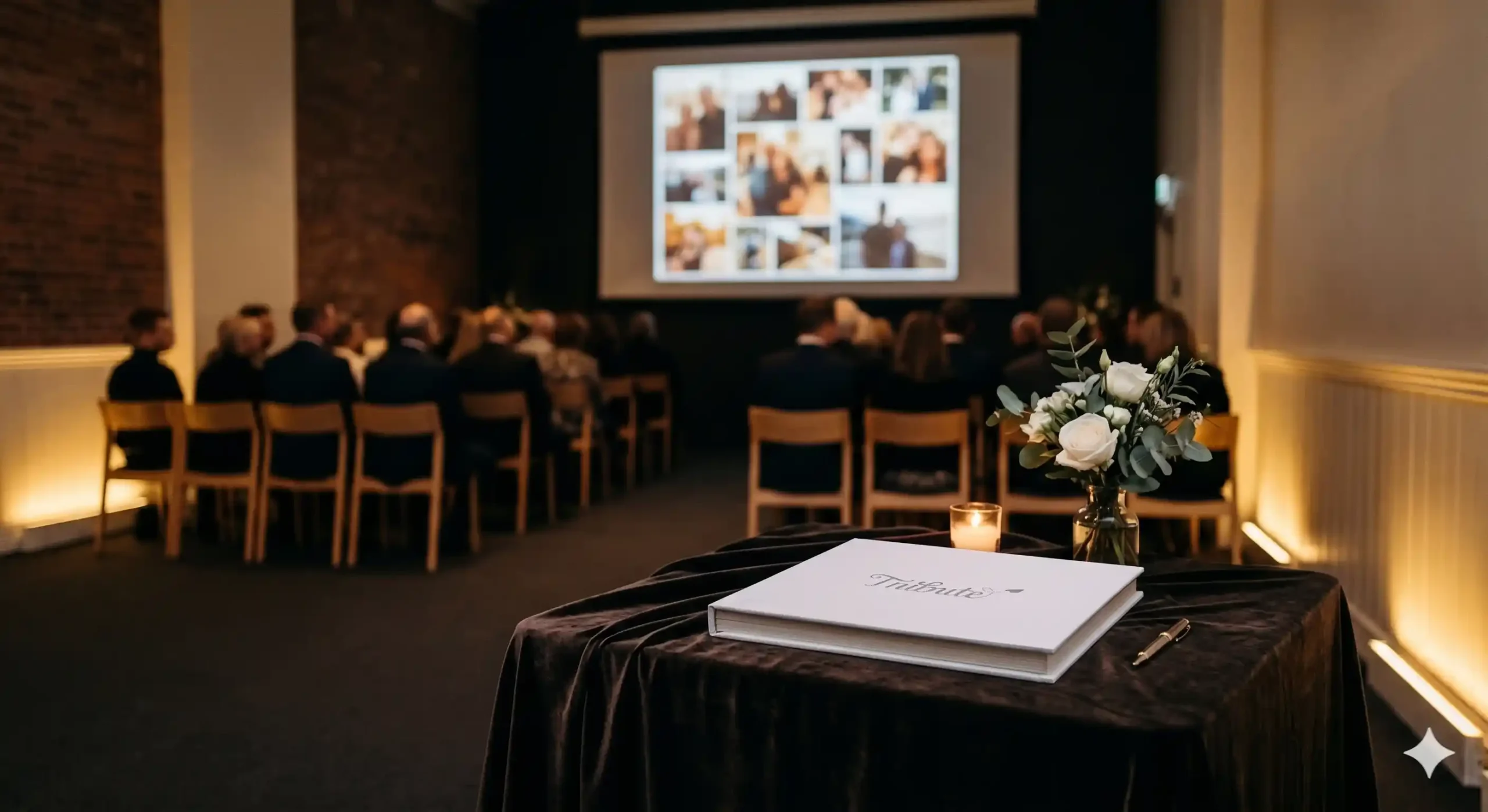
At the service: Export the video as an MP4 file and bring it on a USB drive. Most funeral homes have a monitor or projector. Confirm the setup in advance and test it the day before if possible. Bring a laptop as a backup.
Online sharing: Upload to a private or unlisted YouTube link and share it with family. Google Photos, Vimeo, and dedicated memorial platforms also work. Be mindful of music licensing if you use copyrighted tracks.
Ongoing access: A shared Google Drive or Dropbox folder keeps the file accessible for family members who could not attend and for future anniversaries.
The What’s Your Grief resource library includes practical guidance on memorial planning and how families use shared media as part of longer-term grief support.
How Do You Make a Slideshow When You Are Grieving?
This is the part no tutorial covers: making a funeral slideshow while you are in the middle of loss is hard.
A few things help. Divide the work. One person collects photos, another handles music, another manages the technical side. Ask for help from people who have skills but are less close to the loss, they often want a way to contribute.
Give yourself more time than you think you need. Most families underestimate how long it takes to gather photos from multiple people, sort through hundreds of images, and make decisions when every photo carries weight.
And remember that it does not need to be perfect. The people in that room are not grading the editing. They are there for the person, and the love you put into the work will show regardless of the production quality.
👉 Let Tribute help collect video messages from everyone who loved them
What Should a Funeral Slideshow Include to Honor Someone Fully?
Beyond photos and music, a complete memorial slideshow might include:
- A title card with the person’s name and dates
- Brief text captions for context on older or less-known photos
- A quote the person lived by, or words from their family
- A closing card with “In Loving Memory” and the family’s message
- A dedication or service information if sharing with those who could not attend
Keep text minimal. One or two words of context per image is enough. The photos do the work; the text just guides.
For more ideas on honoring a loved one’s memory, see our guide on how to honor the memory of a loved one.
Frequently Asked Questions About Funeral Slideshows
How long should a funeral slideshow be?
Most funeral slideshows run 5 to 10 minutes. A 5-minute slideshow with 50 to 60 photos works well for a focused service segment. A 10-minute version with 80 to 100 photos is appropriate for a memorial reception or visitation where it plays on a loop. Much longer than 10 minutes risks losing the room’s attention.
How many photos should be in a funeral slideshow?
A practical range is 50 to 100 photos for a 5 to 10 minute slideshow at 5 to 7 seconds per image. If you have more photos than that, consider a second “overflow” slideshow that loops silently during the reception, giving people more to look at without extending the formal program.
What is the difference between a funeral slideshow and a memorial video?
A funeral slideshow is specifically a photo montage set to music, typically created in a tool like iMovie, Canva, or PowerPoint. A memorial video is a broader term that can include video clips, interviews, recorded tributes, and a group video montage compiled from contributions. See our guide to how to make a memorial video for the fuller picture.
What music works best for a funeral slideshow?
The best music is whatever the person loved. Beyond personal preference, instrumental pieces and songs with a moderate tempo work well because they support the images without competing with them. Avoid songs with lyrics that may land unexpectedly given the circumstances. See our full list of memorial video songs for curated options by mood.
Can I use copyrighted music in a funeral slideshow?
For a private service, copyright enforcement is rare. For online sharing, platforms like YouTube use Content ID to detect copyrighted tracks and may mute or block the video. Royalty-free music libraries like Epidemic Sound, Artlist, or YouTube’s Audio Library offer tracks specifically cleared for this kind of use. If in doubt, use an instrumental arrangement or seek out music in the public domain.
What is the best free tool for making a funeral slideshow?
iMovie on Mac and iOS is free and handles photos, video clips, and music cleanly. Canva’s free tier includes a video editor with basic transition options. Google Photos can generate a simple automated slideshow from an album. For more control over pacing and design, the paid tiers of Animoto or Adobe Express are worth the cost for a one-time project.
How do I collect photos from multiple family members for a slideshow?
Create a shared Google Photos album or Dropbox folder and share the link with everyone. Give a clear deadline so you have time to sort and edit. Be specific in your request: ask people to share the best three to five photos they have, rather than asking for everything they can find. Quantity is not the goal; coverage across different chapters of life is.
What is a photo montage for a funeral, and is it the same as a slideshow?
Yes. A photo montage for a funeral and a funeral slideshow describe the same thing: a video that moves through a sequence of photographs set to music. “Photo montage” sometimes implies a more layered visual treatment with overlapping images and artistic transitions, but in practice the terms are used interchangeably by most families and funeral professionals.
👉 Start your loved one’s group video tribute on Tribute, free to start