
Clideo Add Music to Video: The Steps, the Limits and Two Faster Routes
Clideo adds music to a video in a browser in three steps: upload the clip, add the audio, set the two volume levels and download. The free plan caps each upload at 500 MB and stamps a watermark on what comes back.

Does Clideo add music to video in a browser?
It does, on one page, with nothing installed.
The tool sits on Clideo's add audio page, which takes the video and the track as two uploads. Clideo lists MP3, WMA, OGG, WAV, MP4, WMV, VOB and AVI among the formats it accepts.
Three steps is the whole documented flow:
- Upload the video. From a computer, a phone, or a cloud drive.
- Add the audio. Trim it or loop it to length, then set the video level and the music level.
- Pick the output format and export. Preview it, then download the file or send it back to cloud storage.
Nothing here asks for an account, and nothing is saved for you. Close the tab mid-job and the job is gone.
Best for: One short clip that needs one track under it.
Why it works: The whole edit is a single screen, so there is no project to learn and no timeline to build.
Can Clideo add music to video without a watermark?
Not on the free plan.
Clideo marks exports made on its free tier, holds the upload to 500 MB per file and caps export quality at 720p. The paid plan lifts all three.
That size ceiling decides the tool more often than the features do. Ten minutes of 4K off a recent phone clears 500 MB on its own, and the upload has to finish before you hear a single note.
| Tool | Where it runs | The catch |
|---|---|---|
| Clideo | Any browser | 500 MB and a watermark on the free plan |
| Clipchamp | Browser or Windows app | Wants a Microsoft account |
| iMovie | iPhone, iPad, Mac | Apple devices only |
Unlike Clideo, neither of the other two charges by the size of the file you feed it.
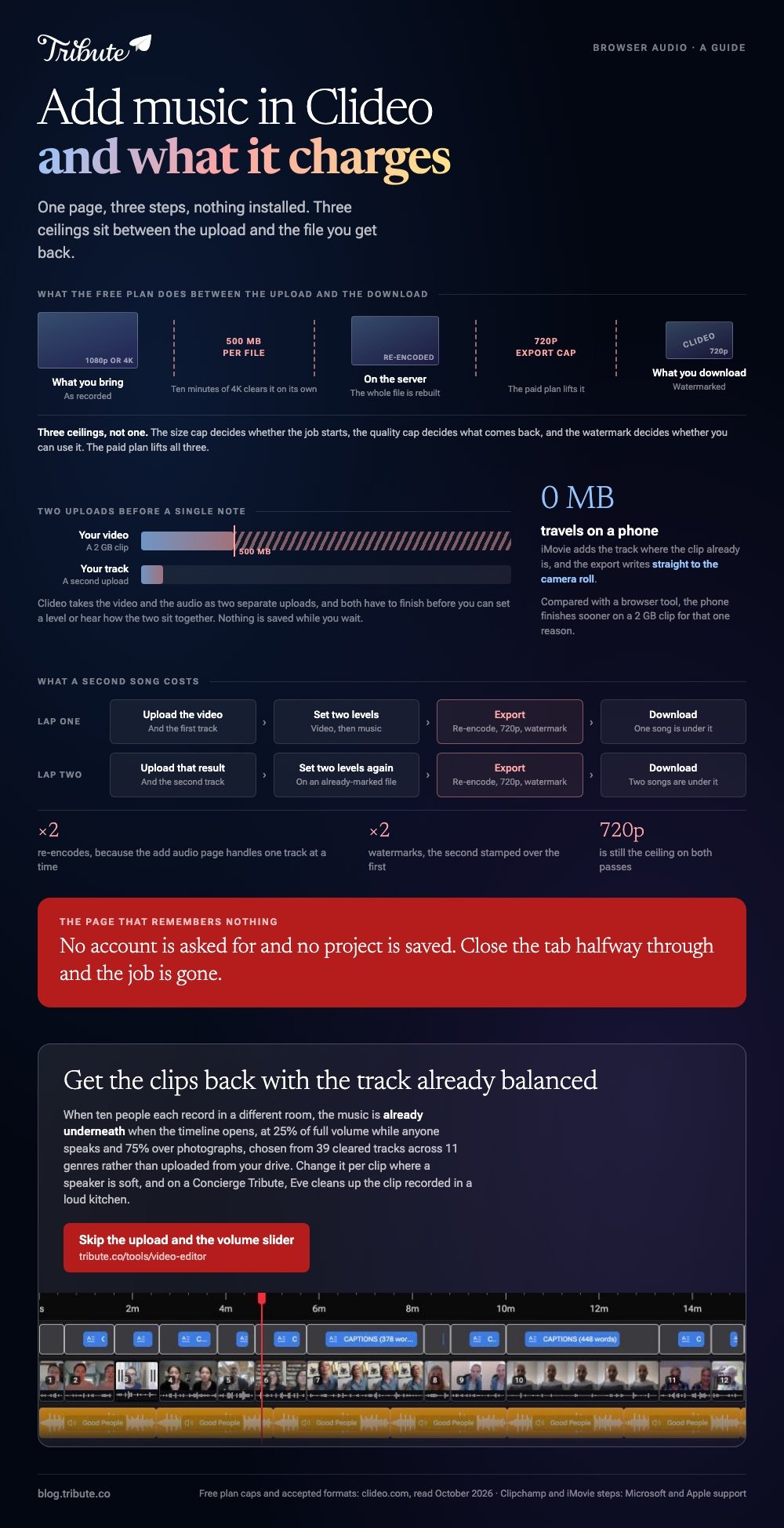
How do you add music to a video in Clipchamp?
Through the content library, in four moves.
- Open Content library in the left sidebar and click Music, or drag your own audio file onto the timeline.
- Choose a mood or genre, then click the + button on a track to drop it on the timeline.
- Select the track, open the audio tab in the property panel and pull the volume slider down.
- Open the fade tab and set a fade in and out, by slider or by typing the seconds.
Microsoft documents the whole path in its guide to adding stock music and audio to videos, including the stock library that ships cleared for use inside Clipchamp.
Best for: A video with speech in it, where one volume for the whole timeline will not do.
Why it works: Volume and fades are per clip, so a quiet speaker and a loud one can share a track.
How do you add music to video on an iPhone?
In iMovie, because Photos has no audio track to add to.
- Open iMovie, start a Movie project and pick your clip.
- Tap +, then Audio, then Soundtracks for the built-in tracks or My Music for your own.
- Tap the music bar on the timeline, then the volume icon, and set it low enough to hear the voices.
- Tap Done, then Share, then Share Video, then Save Video.
Apple's guide to adding music and soundtracks covers the soundtracks that shorten and lengthen themselves to fit the project.
Compared to a browser tool, the phone finishes sooner on a 2 GB clip for one reason: nothing travels. The export writes straight to the camera roll.
The longer walkthrough is in adding music to a video on an iPhone, and the tap-by-tap version in how to add music to a video on iPhone.
How loud should the music sit under a voice?
Lower than it sounds right at first.
A track is mastered to be the main event. Put it under a phone recording of someone talking in a kitchen and it will win.
| Underneath | About |
|---|---|
| Someone speaking | A quarter of full volume |
| Photos, no voice | Three quarters |
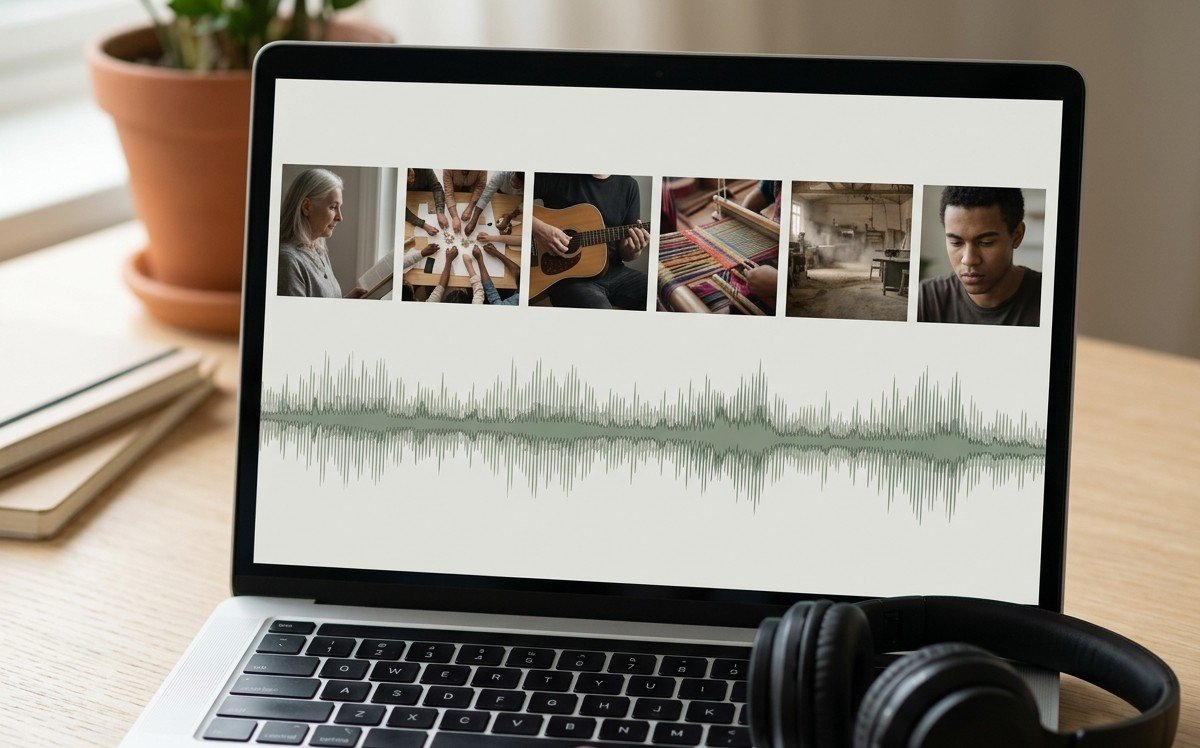
Set that level per clip rather than once for the whole video, and fade the last two seconds instead of letting the song stop dead.
If the video is bound for YouTube, the rules change again: see adding music to a YouTube video.
What if the clips came from a dozen different people?
Then the volume question arrives twelve times, once per room.
The Tribute video editor is a browser-based group video editor: contributors record clips on their phones and Tribute assembles them on a timeline with the music balanced under the voices.
- 39 licensed tracks across 11 genres, cleared for use inside the editor
- Your own audio too: a YouTube link, or an MP3, WAV, M4A or FLAC upload
- 25% under speech and 75% under photos by default, and overridable on any clip
- Crossfade songs blends one track into the next when the video outlasts the song

Best for: Ten people who each recorded in a different room, all going under one song.
Why it works: Unlike a one-track upload, the level under each voice is set before you hear the first one.
Can the music arrive already balanced under the voices?
Everything above starts with an empty audio track and your decision about what goes on it.
Upload, trim, set a level, check it against the speech, export, listen, go back in. For one clip that is ten minutes of work. For sixteen it is an evening.
There is one job where that evening never happens.
The case: you are scoring voices, not footage
You are in it when several people each record a message for the same person.
A grandfather turning ninety. A teacher leaving after twenty years. Nobody is making a video: everyone is talking to a phone in their own kitchen, and the assembly lands on you.
If you are scoring one video of your own, the Clideo page at the top of this post is where this ends for you.

Why the volume question stops arising
Because the music is already underneath when the timeline opens.
It sits at a quarter of full volume while anyone speaks and rises to three quarters over photos, which is the ratio you would have reached by trial. Change it per clip where a speaker is soft.
That is the default in the Tribute video editor, chosen from 39 cleared tracks rather than uploaded from your drive.
What the evening is not spent on
Four jobs, and none of them is a volume slider.
- Not the choosing. Thirty-nine cleared tracks are in the panel before a clip is in.
- Not the chasing. Each person talks to their own phone, at their own hour of the day.
- Not the levels. The song sits under the voices at a quarter before you listen.
- Not the edit. On a Concierge Tribute, Tribute's own editors mix and finish it, and Eve, the AI assistant inside the editor, cleans up the clip recorded in a loud kitchen.
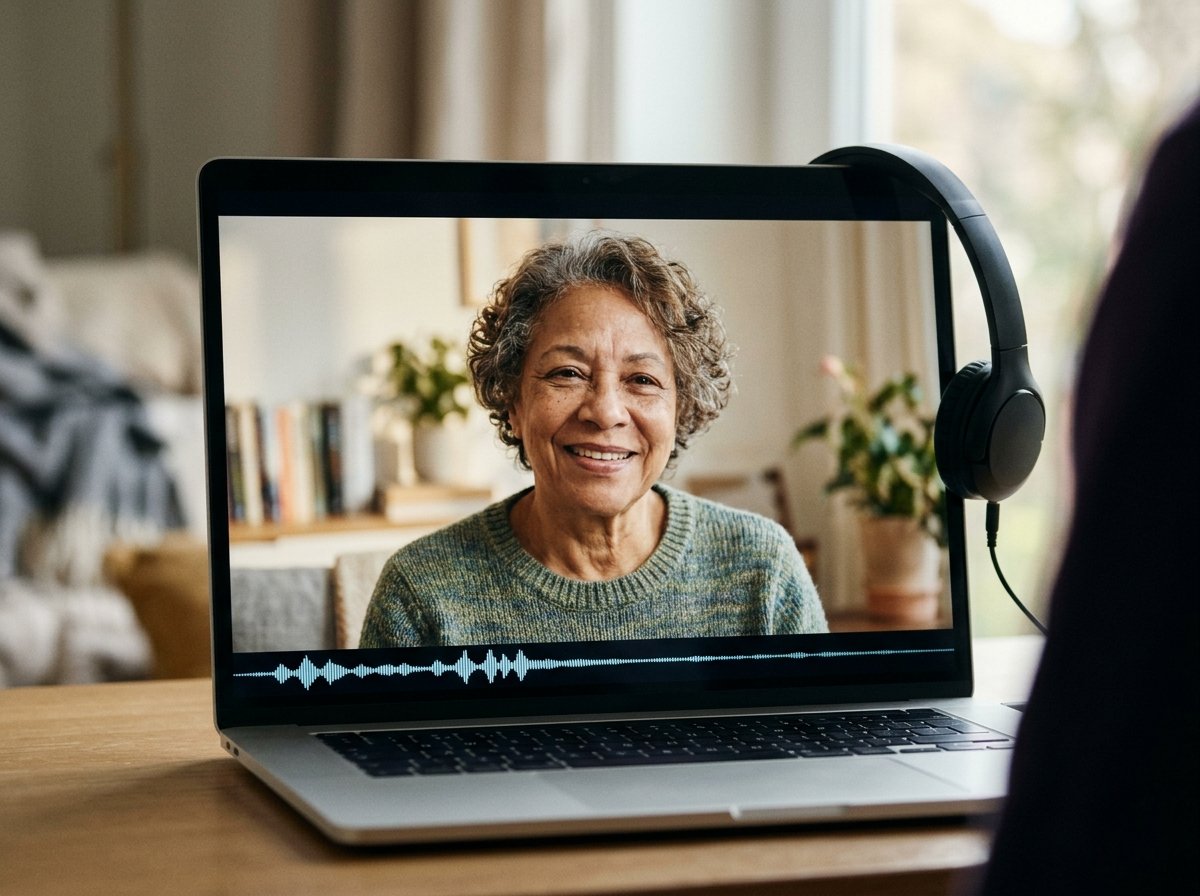
When this is the wrong answer: you shot the video yourself, or the whole point is one particular song you own. Then Clideo or Clipchamp is the tool. The editor is also not a standalone audio tool: it lives inside a paid Tribute.
For the wider job of turning many clips into one piece, see making a video montage.
Frequently Asked Questions
Is Clideo free to use?
There is a free plan with a 500 MB upload limit, a 720p export cap and a watermark on the result. The paid plan removes all three.
Can I add two songs to one video in Clideo?
The add audio page handles one track at a time. For a second song, export the first result and run it through again, or use a timeline editor such as Clipchamp.
Does adding music in a browser lower the video quality?
It re-encodes the file, so some quality goes. On the free plan, the 720p cap matters more than the re-encode does.
Why can I not add music to video in the iPhone Photos app?
Photos edits one clip at a time and has no audio track. Apple puts that job in iMovie, which is a separate download and costs nothing.
How do I stop the music drowning out the speech?
Drop the track to about a quarter of full volume wherever anyone talks, and set it per clip. Each clip was recorded at a different distance from the microphone.
Can I use any song I like?
Only if the license allows it. A song you bought grants the right to listen, not to publish it inside a video, which is why editors ship their own cleared libraries.
👉 Get the clips back with the track already balanced if there are ten voices and one song to sit under them, and the levels are set before you listen.
