All posts

Video gift ideas, tips and stories from Tribute -- how to plan, record and share group video tributes for every occasion.

Newest first

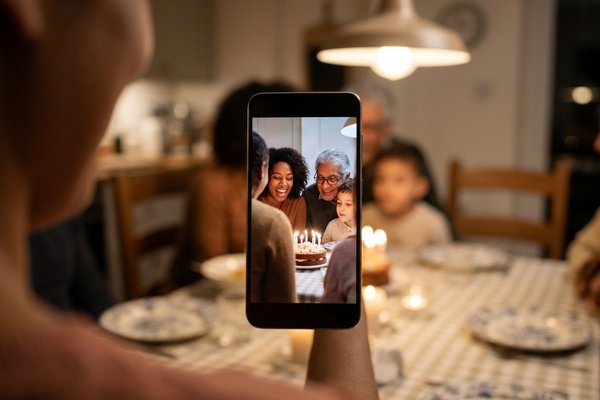
  1. Fun Birthday Videos: How to Make One People Watch Twice

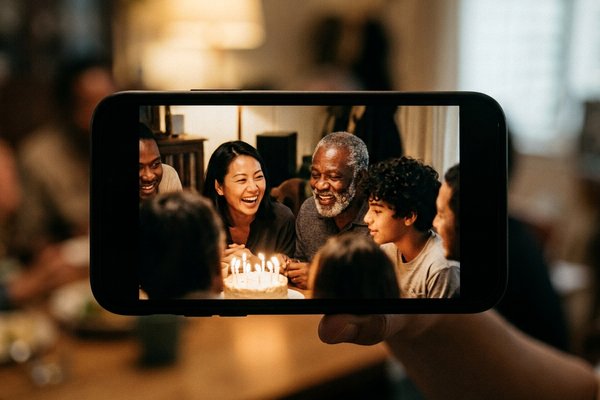
    Fun birthday videos are short, specific and made of other people. Ten to fifteen clips, twenty seconds each, one story per person. The editing is the small part of this job. The asking is the real one.

    8 min read

  2. Video Montage for Birthday Parties: A Running Order That Holds

    A birthday video montage should run three to four minutes and open with the person everyone recognizes. Length is the decision that makes or breaks it, and almost every montage that loses the room is too long rather than too plain.

    8 min read

  3. How to Make a Vertical Video Horizontal (Without Black Bars)

    You cannot rotate a tall clip into a wide one; you choose what fills the space on either side. The three honest answers are a blurred copy behind the picture, a crop into the middle of the shot, or an auto reframe that follows the subject. Clideo blurs, iMovie crops, CapCut reframes.

    8 min read

  4. Crop Video on Instagram: What the App Lets You Change

    Instagram has no crop tool for video. At upload you pick one orientation for the whole post and drag the footage around inside that frame. Anything more exact has to be done before the file reaches the app.

    8 min read

  5. Slideshow with Music: Google Photos, Step by Step

    To make a slideshow with music, Google Photos puts it under Create > Highlight video. Pick the photos, tap Add Music, set the volume against the clip audio, then Save. The soundtrack trims itself to the length of the video.

    8 min read

  6. Photo Video Maker With Song Online: Three Browser Routes That Work

    Any photo video maker with song online does the same three things: orders your pictures, sets how long each one holds, and lays a track underneath. Clipchamp, Google Photos and the YouTube Audio Library cover almost every version of the job.

    8 min read

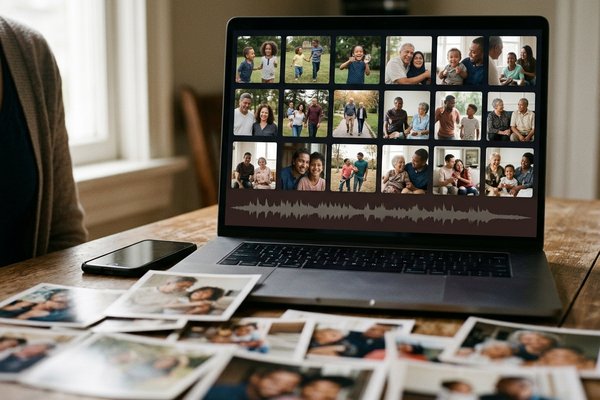
  7. How to Make a Picture Collage With Music People Can Watch

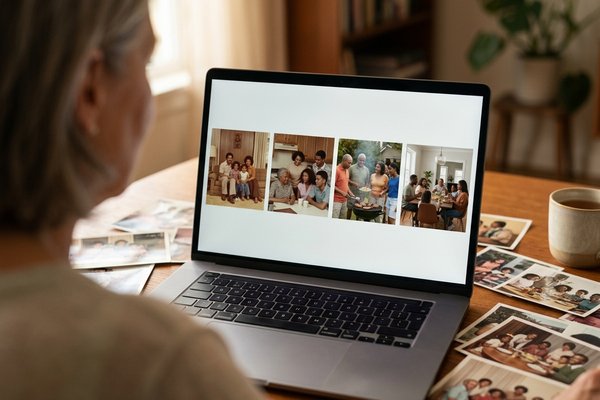
    To make a picture collage with music you need a video, because a still image cannot carry sound. Two routes get you there: a slideshow that plays the pictures in turn, or a grid that moves. Both take under an hour.

    8 min read

  8. Best Free Video Editors for People Who Are Not Editors

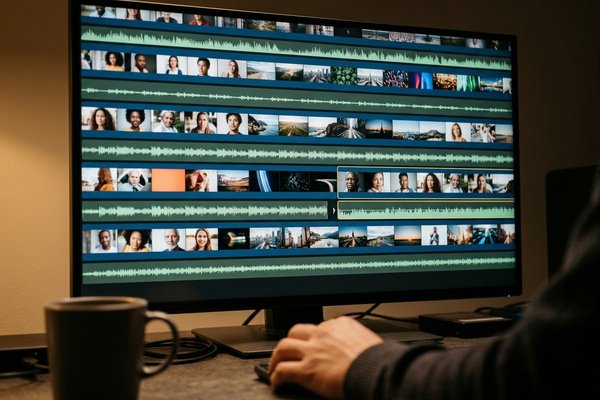
    The best free video editor is CapCut on a phone, Clipchamp in a browser, or iMovie on a Mac. All three join clips, trim them, add music and titles, and export without a watermark. DaVinci Resolve is the most capable download at no cost, and the wrong place to start.

    10 min read

  9. Auto Captions: How Automatic Captioning Works and When to Trust It

    Auto captions are speech recognition: the tool listens and guesses the words. On one clear speaker in a quiet room the guess is close enough to publish after a read-through. On a name, two people talking over each other, or a voice under music, it is a draft.

    8 min read

More from Tribute

A free tool, our pricing, and a version of Tribute built for teams.

Start a Tribute

Make them cry the happy kind of tears.

Tribute brings everyone together in one video gift: the people nearby, the ones across the country, even the friend who never picks up the phone. You start it, we'll help you finish it.

Start a Tribute 15% off your first Tribute, on us.

Tribute Video Book