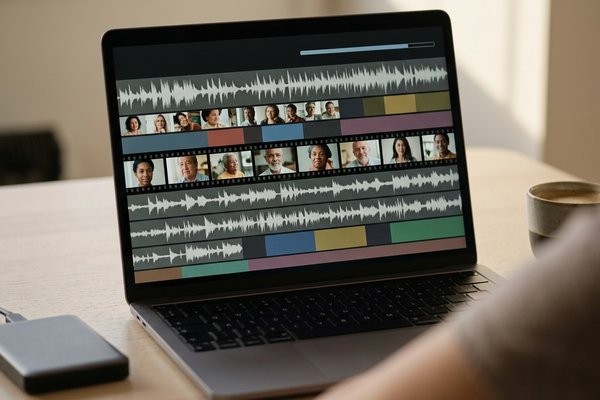
Filmora Crop Video: The Crop and Zoom Panel, the Presets, and the Export
Filmora crops one clip at a time in the Crop and Zoom panel: select the clip, pick a preset ratio or drag the corners, then press Apply. The project keeps its own frame size, which is why a cropped clip can still export wide.