All posts

Video gift ideas, tips and stories from Tribute -- how to plan, record and share group video tributes for every occasion.

Newest first

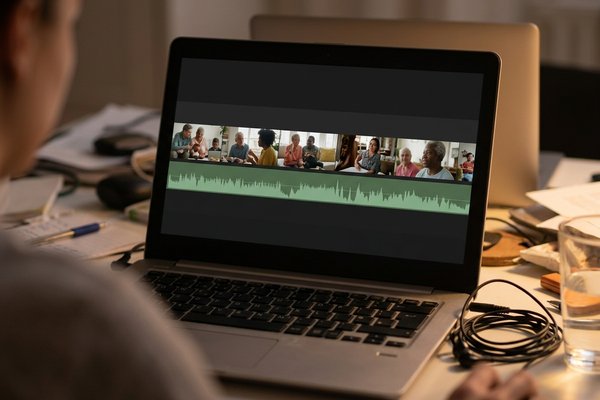
  1. Free Caption Generator: Four Free Tools That Caption a Video

    A caption generator listens to the speech in your video and writes it on screen as timed text. Three of the four below are built into something you already have, at no cost. None gets every word right, so budget five minutes for corrections.

    8 min read

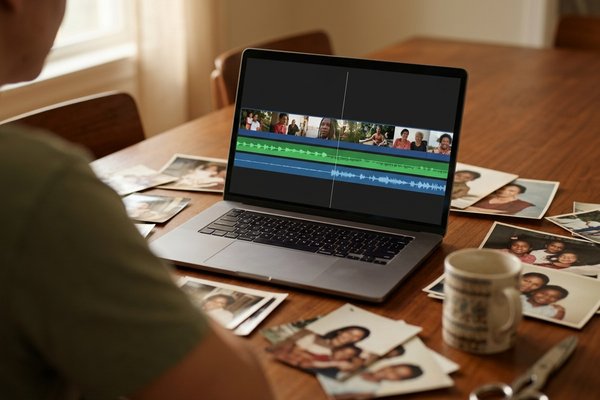
  2. Video Editing Software for Beginners: What to Use If You Have Never Edited

    The best video editing software for beginners is the one on the machine you own: iMovie on a Mac or iPhone, Clipchamp on Windows, CapCut on Android. Each joins clips, trims the dead air, adds music, and exports a file you can send. Skip DaVinci Resolve and Premiere Pro until your third project.

    11 min read

  3. Canva Birthday Video: Build One From a Template or From Scratch

    A Canva birthday video starts one of two ways: open a birthday template and swap your photos onto its placeholders, or start a blank video design and build the timeline. Templates are faster; a blank design is the one that fits people talking.

    8 min read

  4. Best Free Video Editors for People Who Are Not Editors

    The best free video editor is CapCut on a phone, Clipchamp in a browser, or iMovie on a Mac. All three join clips, trim them, add music and titles, and export without a watermark. DaVinci Resolve is the most capable download at no cost, and the wrong place to start.

    10 min read

  5. Free Video Montage Software: Free Tools Compared

    The strongest free video montage software is Clipchamp on Windows, iMovie on Apple hardware, CapCut on any device, and DaVinci Resolve if the project is long. Shotcut is the pick for an old laptop. They differ less in what they do than in where they run and what their paid tier holds back.

    10 min read

  6. Group video maker: One Video From Thirty Different Phones

    A group video maker is the tool that gets thirty people to send a clip and turns those clips into one video. The collecting is the hard half: thirty files arrive over two weeks at thirty resolutions, several from people you had to ask twice. Pick how clips reach you first.

    9 min read

  7. Which Video Montage App iPhone Owners Should Use

    iMovie is the video montage app iPhone owners should start with: a download from Apple at no cost, one timeline, and an export back to the camera roll. CapCut is the step up when you want captions. Photos cannot join two clips.

    8 min read

  8. Windows Movie Maker Music Not Playing: The Causes, in Order

    Windows Movie Maker music not playing comes down to three things: the track volume is at zero, the source file has moved, or the audio format is one Movie Maker cannot decode. Check them in that order and most projects come back.

    8 min read

  9. Video Montage for Birthday Parties: A Running Order That Holds

    A birthday video montage should run three to four minutes and open with the person everyone recognizes. Length is the decision that makes or breaks it, and almost every montage that loses the room is too long rather than too plain.

    8 min read

More from Tribute

A free tool, our pricing, and a version of Tribute built for teams.

Start a Tribute

Make them cry the happy kind of tears.

Tribute brings everyone together in one video gift: the people nearby, the ones across the country, even the friend who never picks up the phone. You start it, we'll help you finish it.

Start a Tribute 15% off your first Tribute, on us.

Tribute Video Book